12
TOUCHSCREEN DISPLAY OPERATION (CONT.)
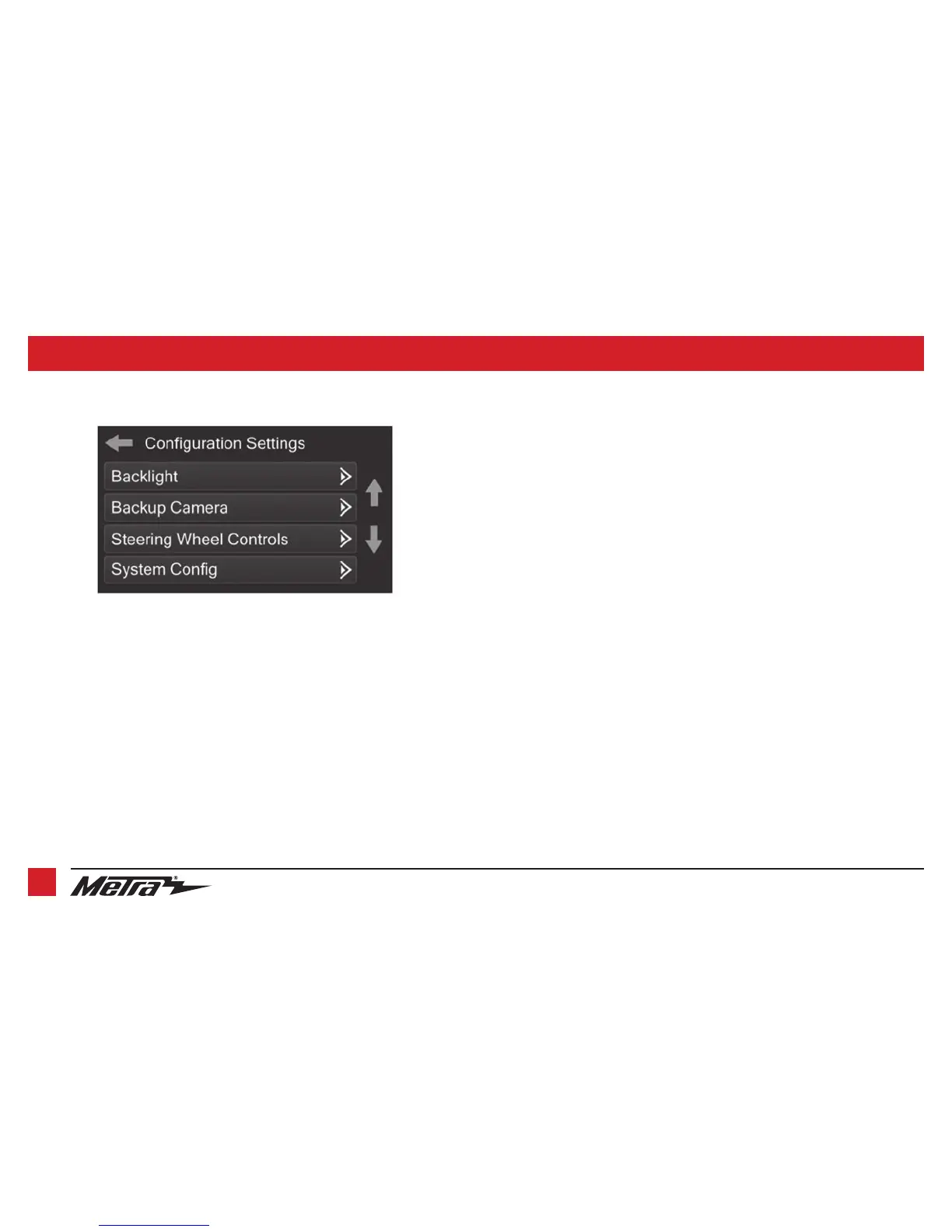
• Backlight
• Four slide bars control the color of the buttons and the back-light intensity:
Red / Green / Blue / Backlight
• Backup Camera
• Enable – Enables the backup camera image to the touchscreen display
• Disable – Disables the backup camera image to the touchscreen display (default)
Configuration Settings screen
• Steering Wheel Controls
• Remap Buttons – For remapping the steering wheel control buttons
• Dual Assign – For dual assigning the steering wheel control buttons (long button press)
• Select Radio – For auto detecting the radio, or changing the radio type
• System Configuration
• Firmware version
Touchscreen calibration
• Press and hold the upper two soft buttons on either side of the touchscreen for 10 seconds.
• A screen will pop up asking for you to press the target in the screen.
• After pressing the target with your finger, the calibration process will be complete, and the
screen will disappear.
Continued on the next page



 To Next Page