3
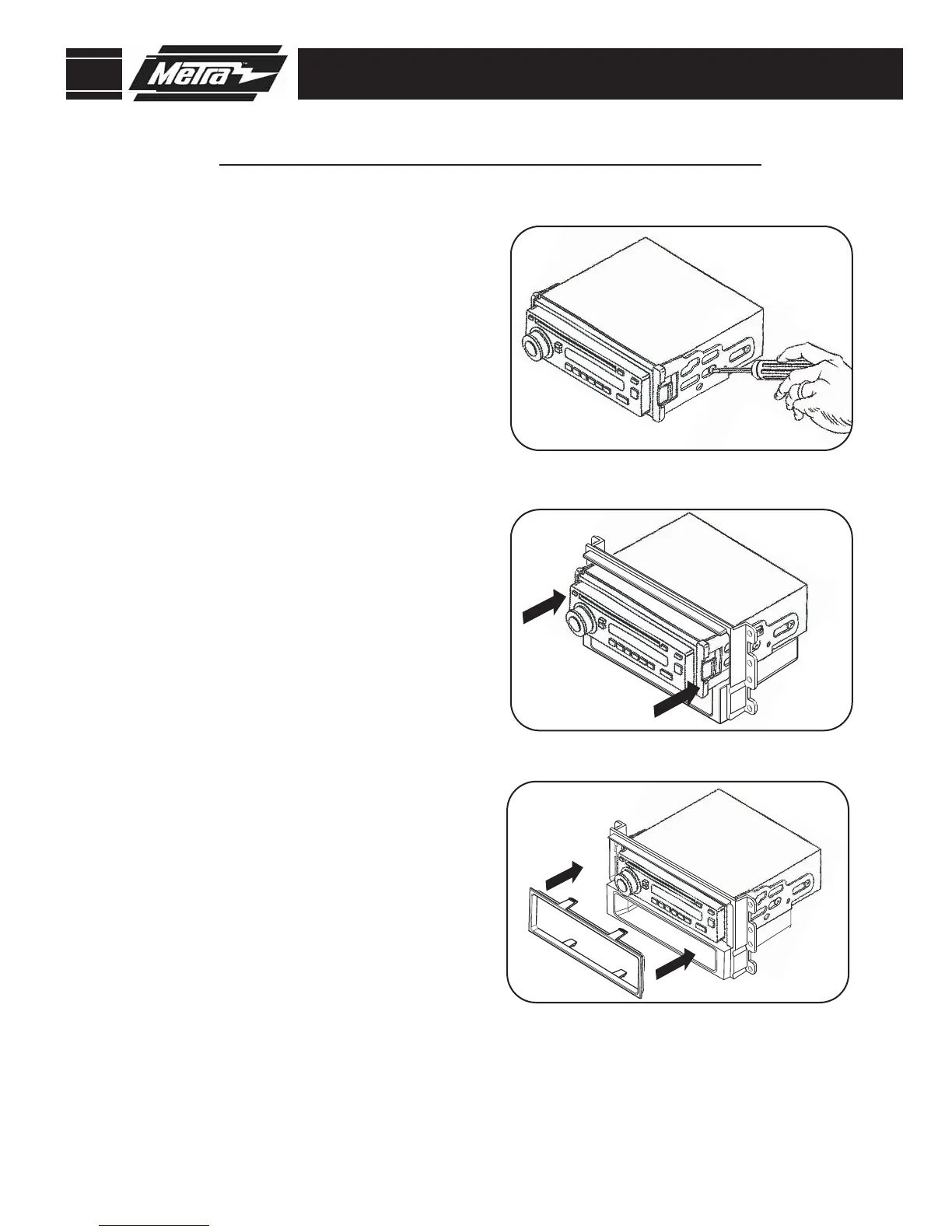
Align the holes in the ISO brackets with
the holes in the radio. Mount the
brackets to the radio using screws
supplied with the radio.
(Figure A)
1
A
B
Slide the radio/bracket assembly into the
radio housing until it snaps into place.
(Figure B)
2
Snap the ISO trim-plate onto the front of
the assembled radio and housing.
(Figure C)
NOTE: To remove the radio unsnap and remove the ISO trim-plate. Using a flat
blade screwdriver disengage ISO brackets from the radio housing and slide
radio out of radio housing.
3
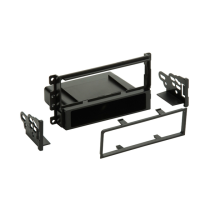
ISO MOUNT RADIO WITH POCKET
99-7008
KIT ASSEMBLY
Continue to final assembly.
C



 To Next Page