REV. 9/12/2017 INST99-6525
3
KIT ASSEMBLY
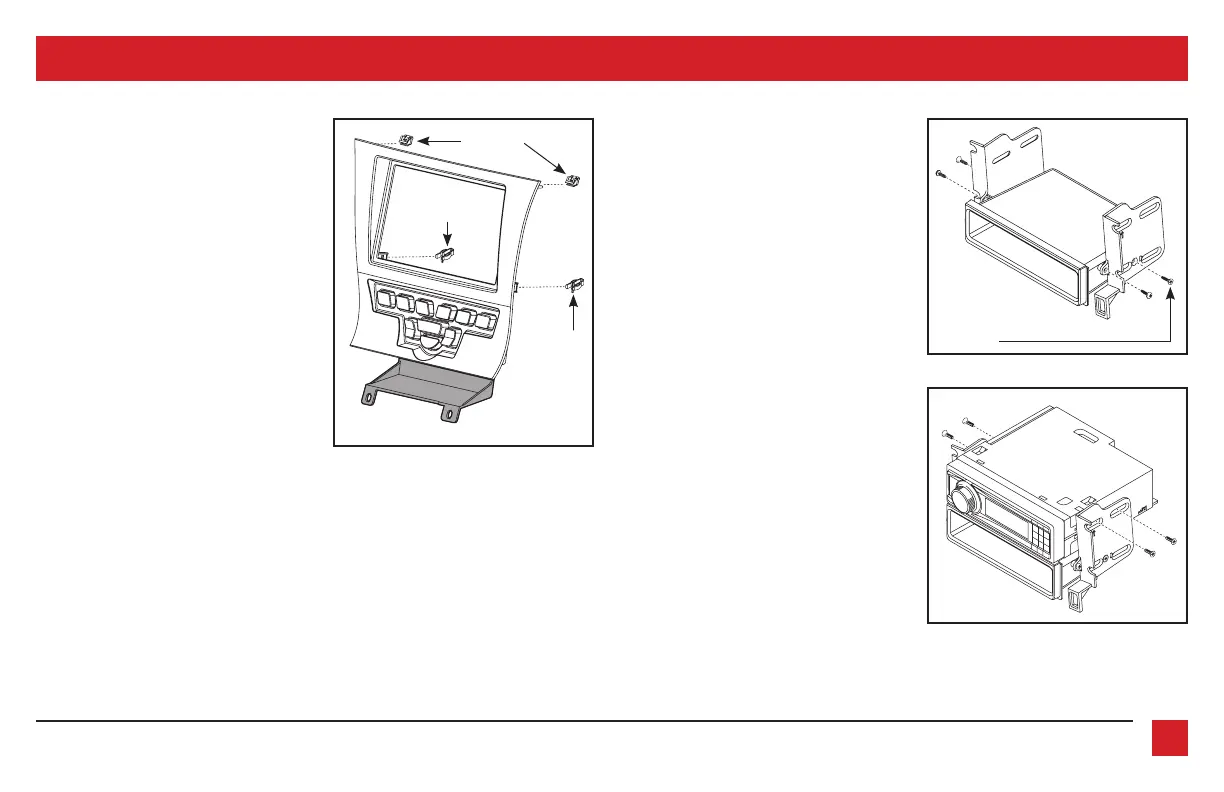
(Figure A)
(Figure C)
(Figure B)
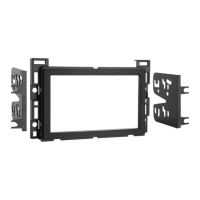
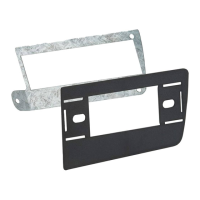
ISO DIN radio provision with pocket
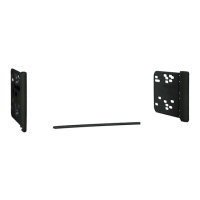
1. Attach the provided clips to the
radio
trim panel
(metal clips at the top; plastic
clips at the bottom). (Figure A)
2. Attach the
lower support bracket
to the
radio trim panel with climate controls
.
(Figure A)
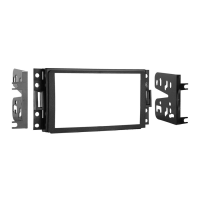
3. Attach the
radio brackets
to the
pocket
using the provided (2) #8 x 3/8” Phillips
pan-head screws towards the front of
the pocket, and (2) #8 x 1/2” Phillips
flat-head screws towards the back.
Note:
If the screws are not attached this
way, the assembly will not slide into the
dash.
(Figure B)
Use countersunk screws
for the rear mounts on
the pocket
Plastic clip
Metal clips
4. Remove the metal “DIN” sleeve and trim
ring from the aftermarket radio.
5.
Slide the radio into the pocket/bracket
assembly, and then secure using the
screws supplied with the radio. (Figure C)
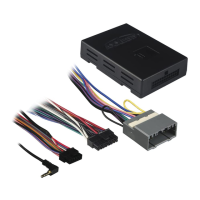
Continue to Axxess Interface Installation
Plastic clip



 To Next Page