1.800.221.0932
|
MetraOnline.com
4
KIT ASSEMBLY
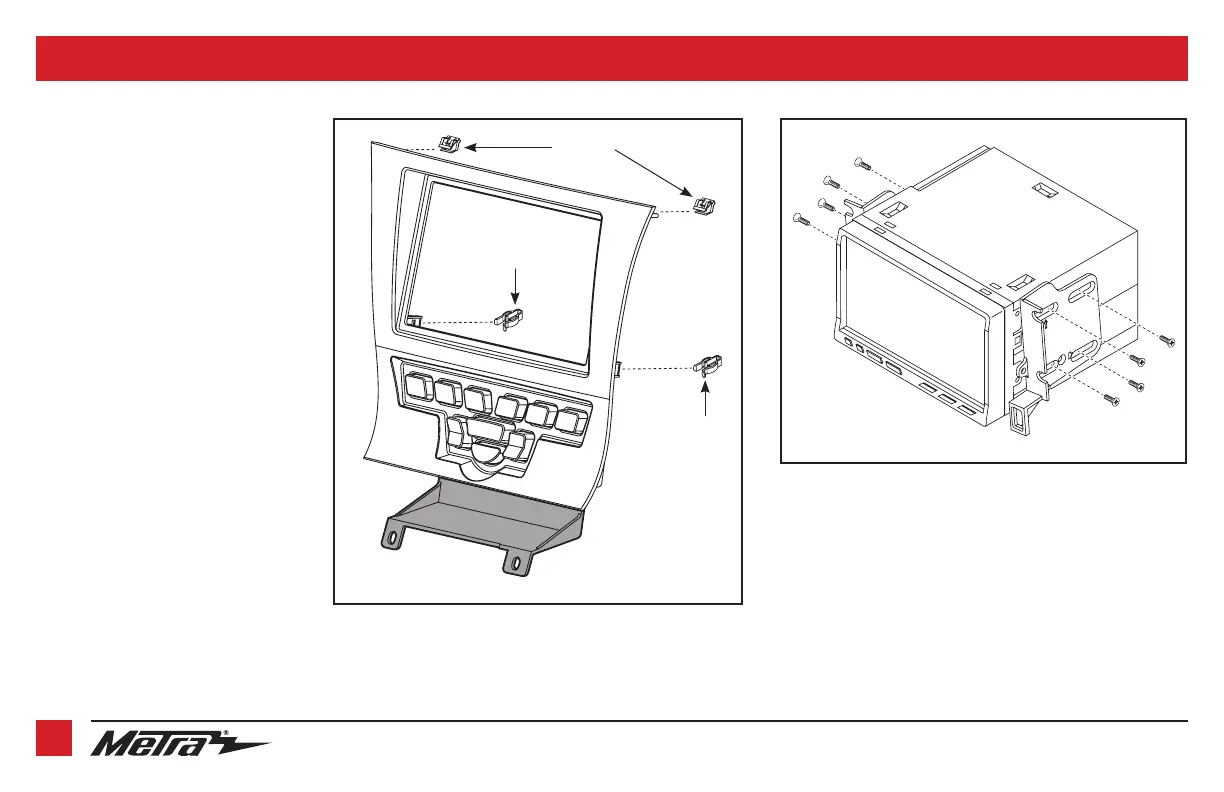
(Figure A)
(Figure B)
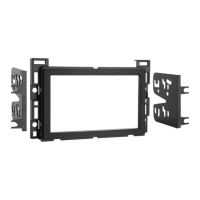
ISO DDIN radio provision
1. Attach the provided clips to the
radio
trim panel
(metal clips at the top; plastic
clips at the bottom). (Figure A)
2. Attach the
lower support bracket
to the
radio trim panel with climate controls
.
(Figure A)
3. Attach the
radio brackets
to the radio
using the screws supplied with the
radio. (Figure B)
Continue to Axxess Interface Installation
Plastic clip
Metal clips
Plastic clip



 To Next Page