changes to the sample code. If a different name or IP address is required,
steps explaining what changes to make are provided below.
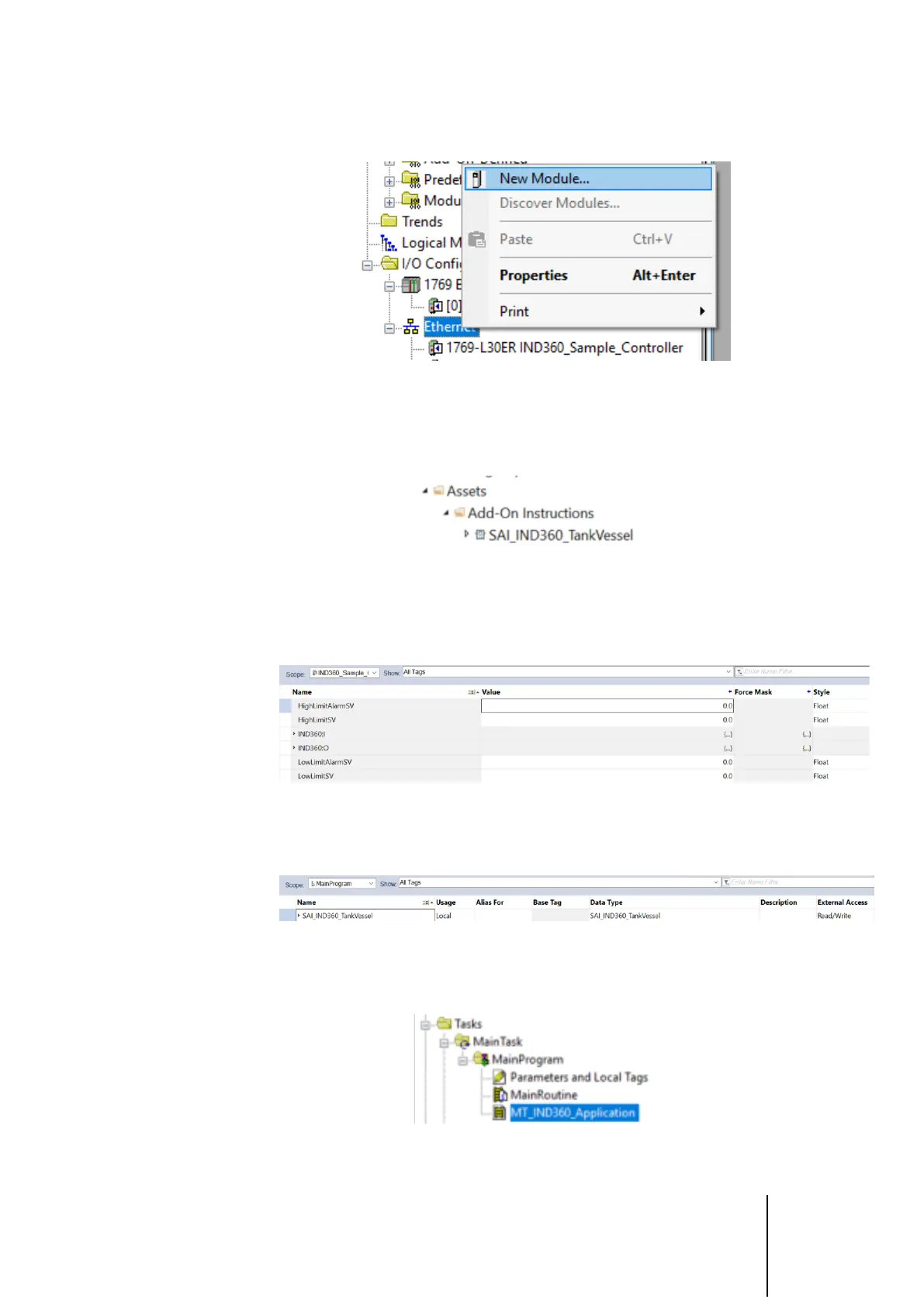
Figure 1-5: Add IND360 to the existing project
2. Copy the Add-On Instructions from the Add-On Instructions folder in the
Controller Organizer of the sample project and paste in the same location
in the existing project.
Figure 1-6: Copy/Paste AOIs
3. Copy the controller tags from the sample code project and paste in the
controller tags of the existing project. Make sure not to copy the IND360:I
and IND360:O tags since those are already present in the existing project.
Figure 1-7: Copy/Paste Controller Tags
4. Copy the Main Program local tags from the sample project and paste in
the tags for the existing project.
Figure 1-8: Copy/Paste Main Program Local Tags
5. Copy the MT_IND_Application routine from the sample project and paste in
the existing project.
Figure 1-9: Copy/Paste the Routine



 To Next Page