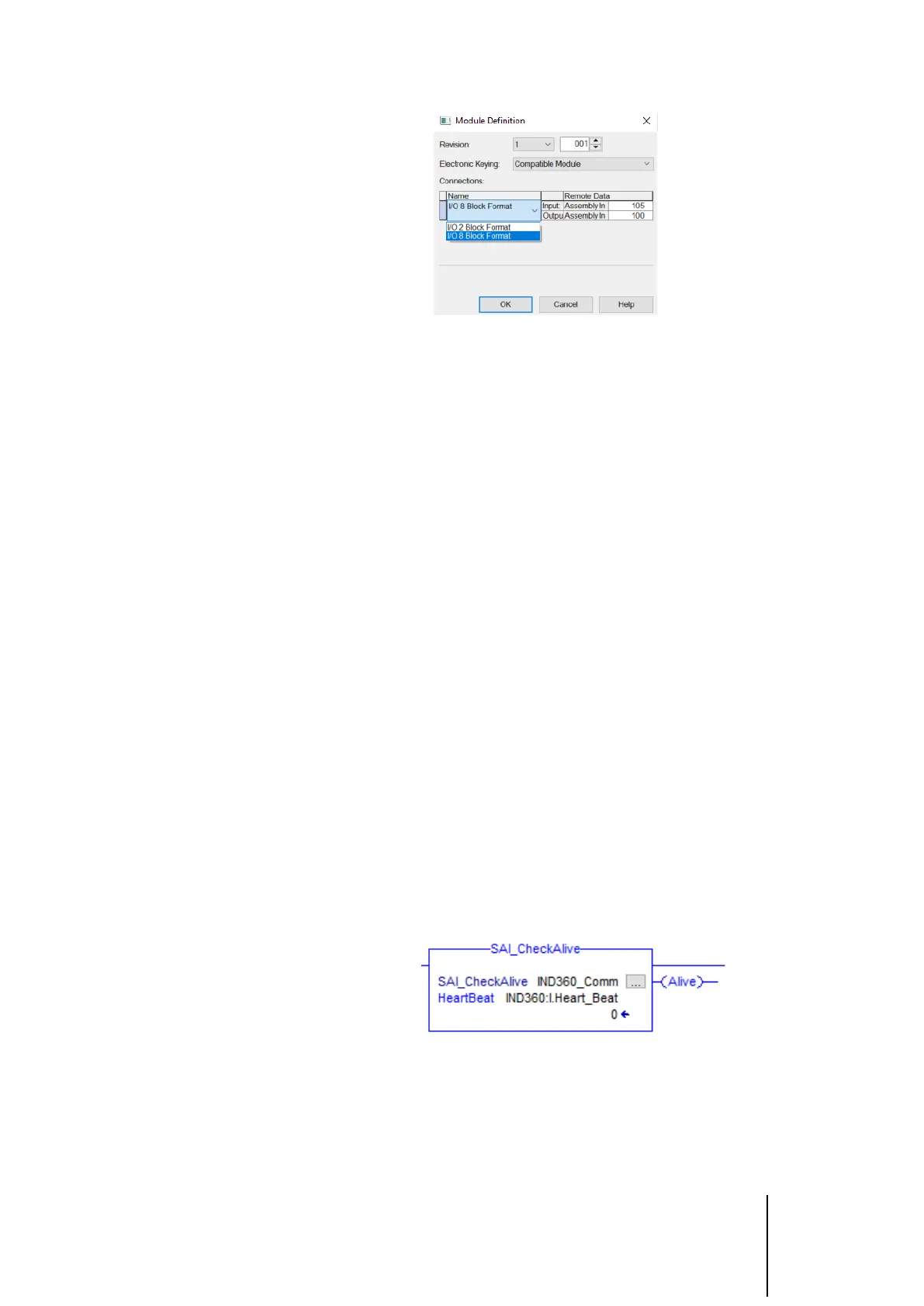
Figure 4-3 Select "I/O 8 Block Format"
At this point, the project has the IND360 configured for the 8 block format. No
changes to the AOIs are required since the 8 Block Format simply expands
upon the 2 Block format utilized by the AOIs. Now all references to
IND360:I.MB1 and IND360:O.MB1in the sample code can be changed to
IND360:I.MBx and IND360:O.MBx (where x is a value between 1 and 7) if it is
necessary to use a specific Measuring Block for the Fill/Dose application. The
final step is to confirm that the IND360 itself is configured for the 8 block
format. This setting can be found in the IND360 setup menu, or via the web
interface, at Communication > Industrial Ethernet > Format.
5 Frequently Asked
Questions
• Q: How do I access the parameters in the AOI variables within my PLC
program?
A: You can use the format "instance_name.parameter" to access
parameters in your PLC program. For example, if we create an
instance of the SAI_CheckAlive AOI and name the instance
"IND360_Comm", we can monitor the alive bit by looking at
"IND360_Comm.Alive"
Figure 5-1: SAI_CheckAlive AOI with different instance name
• Q: Does my AOI instance always have to match the name of the AOI?
A: No. The AOI instance can be named anything as long as the name is
unique. They must be unique so that if we are using multiple of the
same AOI, we can distinguish between them in the code. See Figure 4-



 To Next Page