4 Steps to Use 8 Block
Format Instead of 2
Block Format
The 8 Block Format for SAI is extremely powerful for viewing more information
simultaneously, compared to the 2 Block Format. The sample code by default
is configured for the 2 Block Format, but it is very simple to change the format:
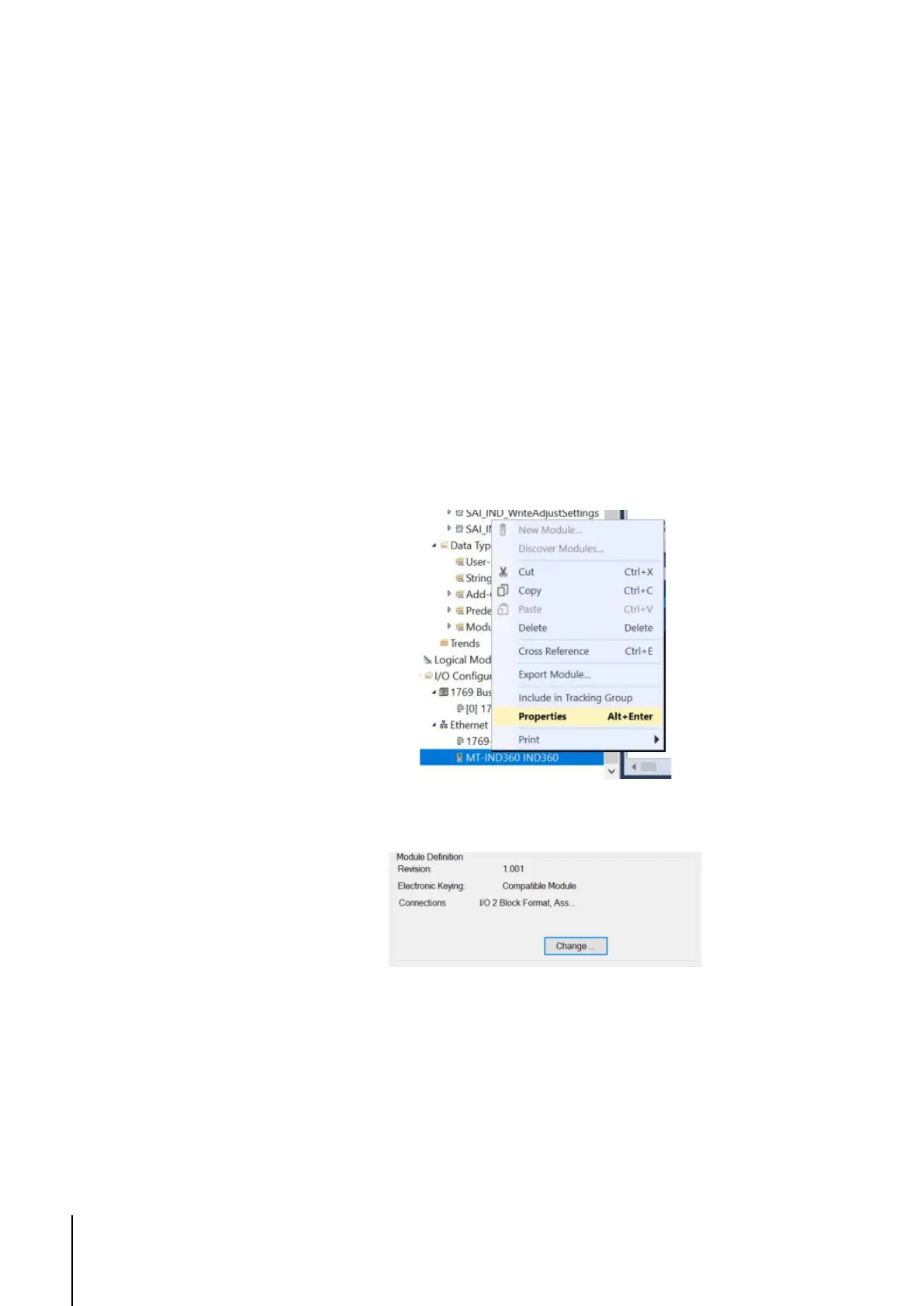
1. Right click on the IND360 in the Controller Organizer.
2. Click Properties.
Figure 4-1 Select Properties
3. Click Change under the Module Definition.
Figure 4-2 Click "Change"
4. Select the drop-down arrow next to I/O 2 Block Format and Select I/O 8
Block Format.



 To Next Page