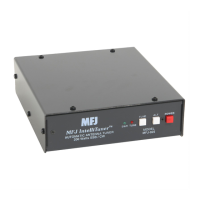
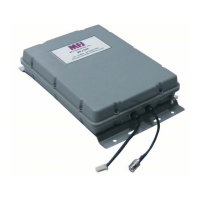
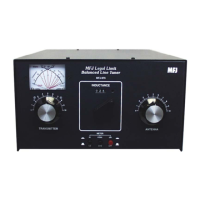
MFJ-928 Compact IntelliTuner Automatic Antenna Tuner Instruction Manual
© 2005 MFJ Enterprises, Inc.
8
Pin (Key) connects to pin 6 of Radio Interface Plu
Pin (Start) connects to pin 8 of Radio Interface Plug.
Pin (Ground) connects to pins 4 and of Radio Interface Plug.
2
Pin 3 (+13.8V) connects to pins 2 and 3 of Radio Interface Plug.
45
1g.
1
2
3
4
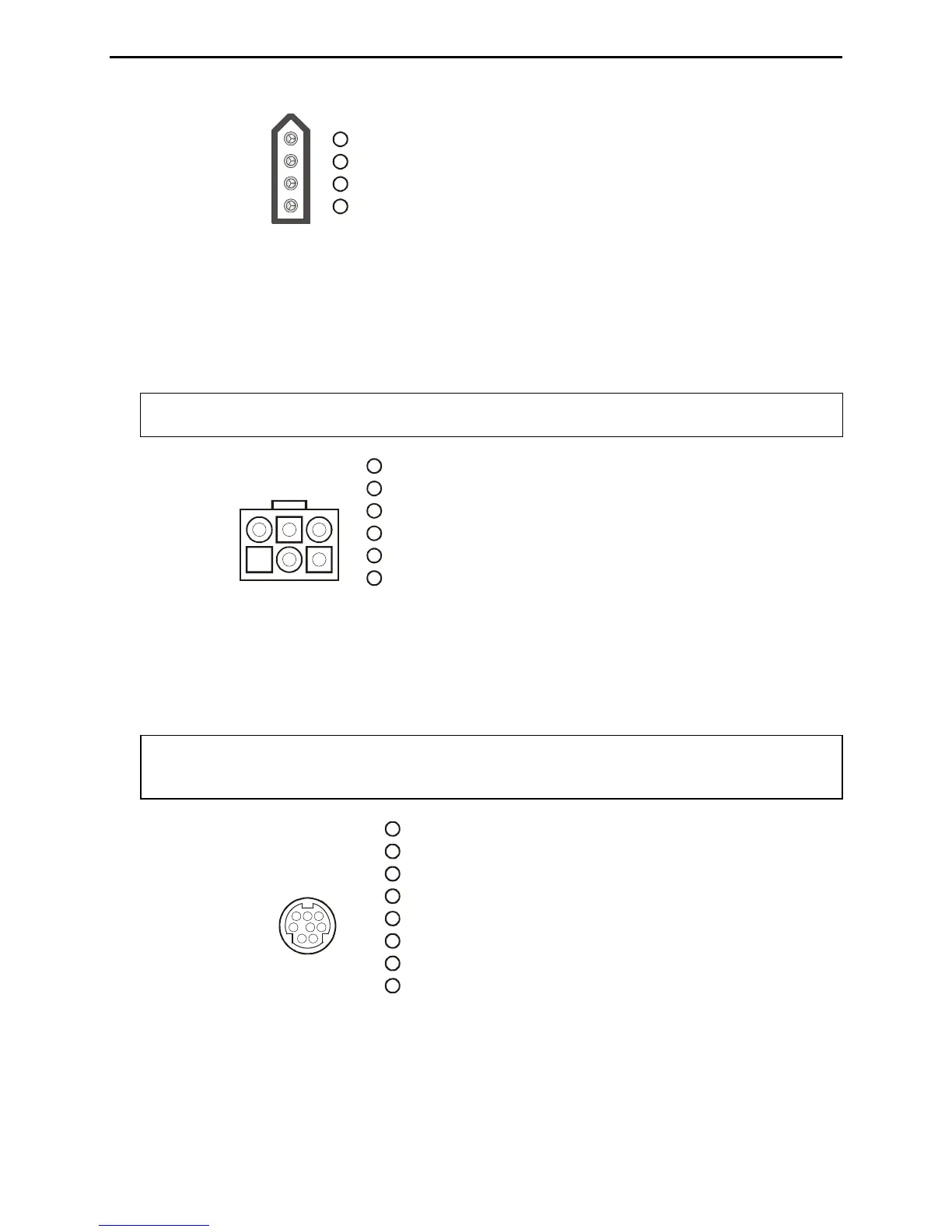
Figure 7. Icom Interface Cable.
The MFJ-5114K interface provides power and control between a Kenwood radio and the MFJ
automatic tuner. Supported Kenwood radios are TS-50S, TS-450S, TS-480HX, TS-570S, TS-690S,
TS-850S, TS-870S, TS-2000, and any Kenwood radio that supports the Kenwood AT-300 tuner.
Push and hold the radio’s [AT TUNE] button for one second to start the tuning process. Push the [AT
TUNE] quickly to bypass the tuner or to cancel tuning in progress.
Note: The TS-480HX will automatically reduce its TX power to 100 watts maximum (25 watts
AM) when the radio interface is used.
Pin 1 (Ground) connects to pin of Radio Interface Plug.
Pin 2 (TT) connects to pin 6 of Radio Interface Plu
Pin (Ground) connects to pin 5 of Radio Interface Plug.
Pin 5 (TS) connects to pin 8 of Radio Interface Plug.
g.
3
Pin 4 is not connected.
Pin 6 (+13.8V) connects to pins 2 and 3 of Radio Interface Plug.
4
1
3
2
4
65
Kenwood
Rear Panel View
1
2
3
4
5
6
Figure 8. Kenwood Interface Cable.
The MFJ-5114Y interface provides power and control between a Yaesu radio and the MFJ automatic
tuner. Supported Yaesu radios are FT-100, FT-817, FT-857, FT-897, and any Yaesu radio with
compatible CAT system. Push the [TUNE] button on the tuner for 0.5 to 2 seconds to start the tuning
process.
Important: The +13.8 volts connection on the FT-817’s CAT port cannot supply 750 mA of
current needed by the MFJ-928. So remove jumper JP1 located in front of the
Radio Interface jack, and use a separate DC power supply to power the MFJ-928.
(TX INH) connects to pin 7 of Radio Interface Plug.
(SENSE) connects to pin 5 of Radio Interface Plug.
g.
RX
Pin 8 (+13.8V) connects to pin 3 of Radio Interface Plug.
Pin 2 is not connected.
Pin 3
Pin 4 (TX) connects to pin 6 of Radio Interface Plu
Pin 5 ( ) connects to pin 8 of Radio Interface Plug.
Pin 6 (Ground) connects to pin 4 of Radio Interface Plug.
Pin 7 is not connected.
Pin 1
123
456
78
Yaesu
Rear Panel View
1
2
3
4
5
6
7
8
Figure 9. Yaesu Interface Cable (FT-100, FT-817, FT-857, FT-897).


 To Next Page