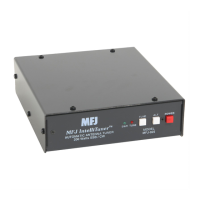
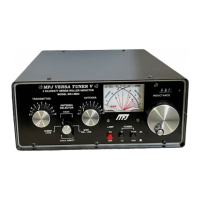
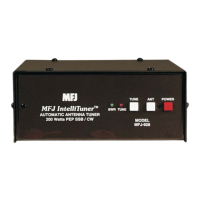
MFJ-928 Compact IntelliTuner Automatic Antenna Tuner Instruction Manual
© 2005 MFJ Enterprises, Inc.
5
Note: During the tuning process, the tuner will make some noise. These are the relays
switching at a very fast pace and it is normal operation. Do not be alarmed.
• ANT Button: Has two different functions based on the length of time you press and hold it before
releasing. Press [ANT] quickly (less than one second) to select the antenna to tune. Press button to
toggle between Antenna 1 and Antenna 2. One beep indicates Antenna 1 and two beeps indicate
Antenna 2. A single-wire antenna is, by default, Antenna 1.
Press and hold [ANT] for one second to cycle among the four memory banks of the current antenna.
The selected bank is indicated by a series of short beeps, where one beep indicates bank A, two beeps
indicate bank B, three beeps indicate bank C, four beeps indicate bank D, and five beeps indicate
antenna memory is OFF. See “Antenna Memory” on page 11.
Pressing the [ANT] button will switch the antenna or bank only when there is no RF power; also, the
tuner setting for the selected antenna and bank, if available, is instantly restored from memory when
enabled.
• POWER Button: Used to turn the power on and off. When the power is off, the tuner is placed in
bypass mode and Antenna 1 is selected. When turning on the power, the tuner automatically restores
all previous settings and displays the target SWR on the main screen.
WARNING: Do not turn the power on and off rapidly, otherwise the tuning setting
memory can be corrupted and the unit will have to be reset to factory defaults.
Note: When the tuner power is OFF, the tuner is in bypass mode and RF from the transmitter
goes directly to the antenna (ANTENNA 1) with no matching.
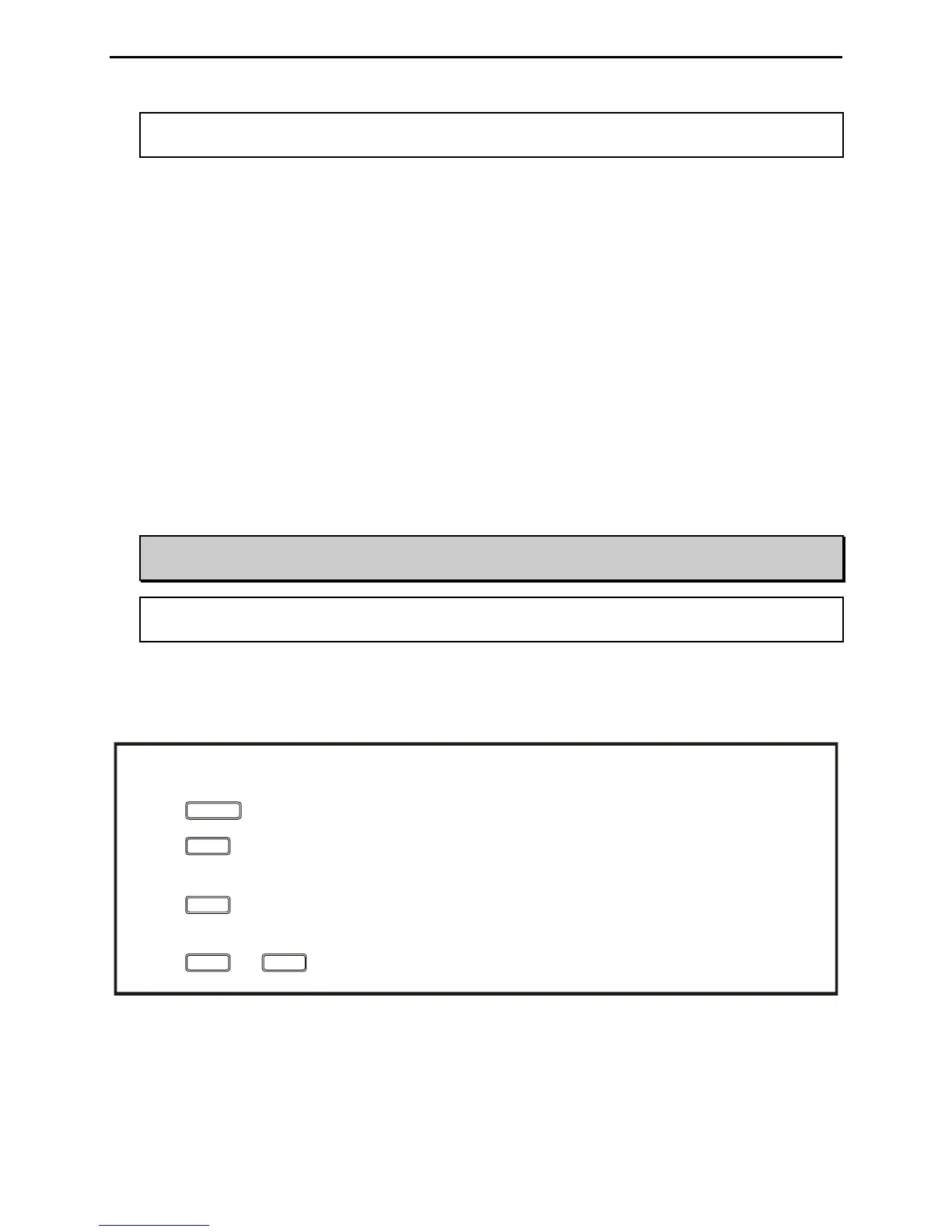
BUTTON ACTION
Press + to toggle between automatic and semi-automatic mode.
ANT
TUNE
POWER
Press less than 0.5 second to toggle bypass mode; press and hold for 0.5 to 2 seconds to start the
tuning process; press and hold for more than two seconds to toggle the StickyTune on and off.
Press less than one second to toggle between antenna 1 and antenna 2; press and hold for more
than one second to cycle the 4 antenna memory banks.
Press in to turn power on, out to turn power off.
TUNE ANT
Figure 3. Button Action.


 To Next Page