MFJ-928 Compact IntelliTuner Automatic Antenna Tuner Instruction Manual
© 2005 MFJ Enterprises, Inc.
15
Appendices
POWER-ON OPERATIONS
(Press and hold buttons while turning on the power.)
Press and hold + to start the self test.
POWERTUNE
POWER
Press and hold + then press 1 time to reset factory defaults.
ANT
TUNE
POWER
Press and hold + then press 2 times to delete current memory bank.
ANT
TUNE
POWER
Press and hold + then press 3 times to perform total reset.
ANT TUNE
POWER
Press and hold + then press 4 times to test the power-down circuitry.
ANT TUNE
POWER
Press and hold + then press 5 times to test the relays.
ANT TUNE
POWER
Press and hold + then press 6 times to calibrate the frequency counter.
ANT TUNE
Press and hold + then press 7 times to calibrate the SWR bridge.
POWERANT TUNE
Press and hold + + to delete current antenna memory.
POWERANTTUNE
For the + operations, not pressing or pressing it more than seven times
will cancel the operation after idling four seconds, beep two times and then resume normal operation.
POWERANT
UNE
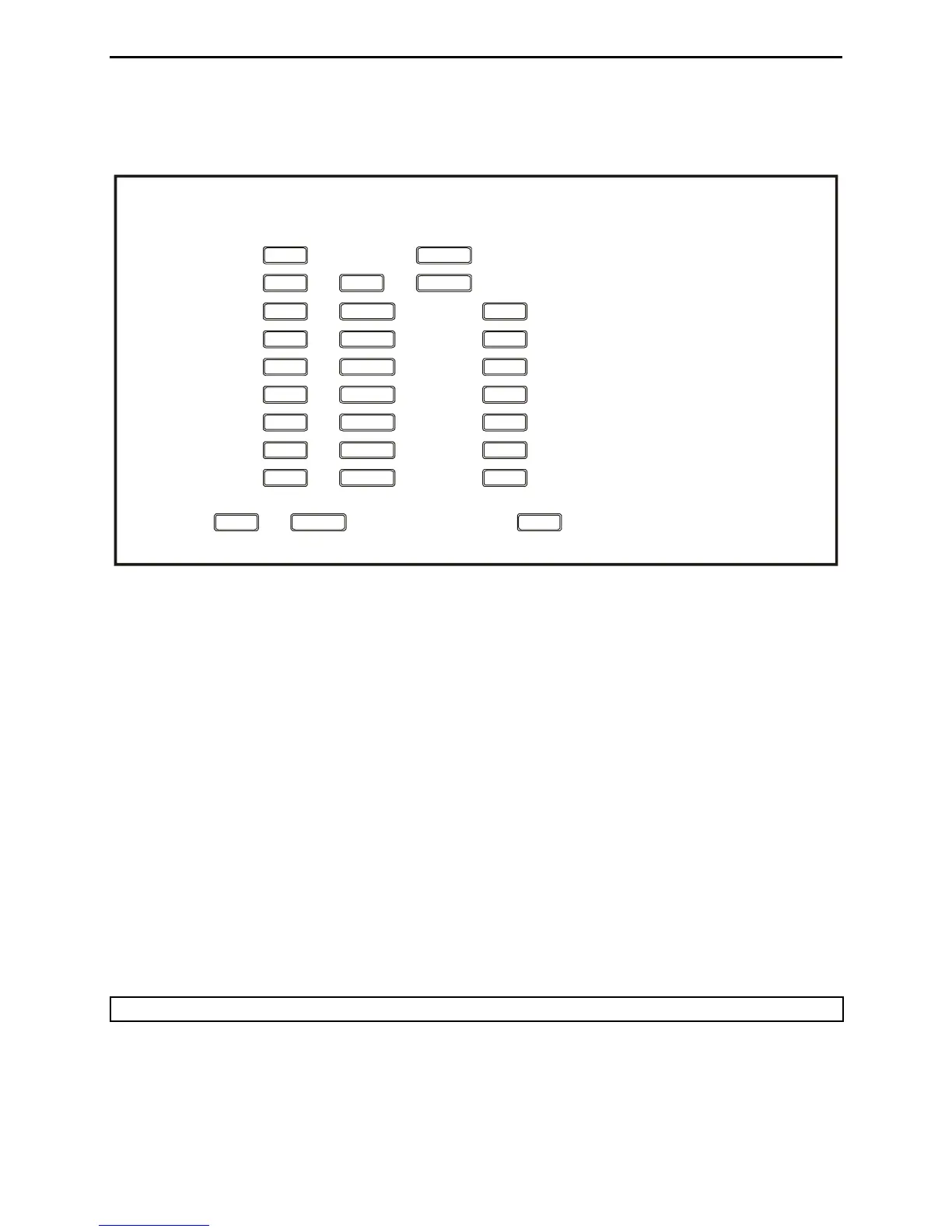
Figure 11. Power-On Operations.
Resetting the Tuner
Each time the tuner is powered off, the microprocessor saves all memories and configurations to non-
volatile memory ready to be used the next time the unit is turned on again. If the tuner is not working
properly, even on initial power on, try resetting to the factory defaults.
Factory Defaults
The unit is shipped with the following default settings:
• Inductance 0 μH
• Capacitance 0 pF on antenna side
• Antenna 1
• Memory Banks 1A and 2A on †
• Tuning Mode Automatic †
† These settings are stored separately for antennas 1 and 2.
Note: Resetting to factory defaults does not erase the antenna memories.


 To Next Page