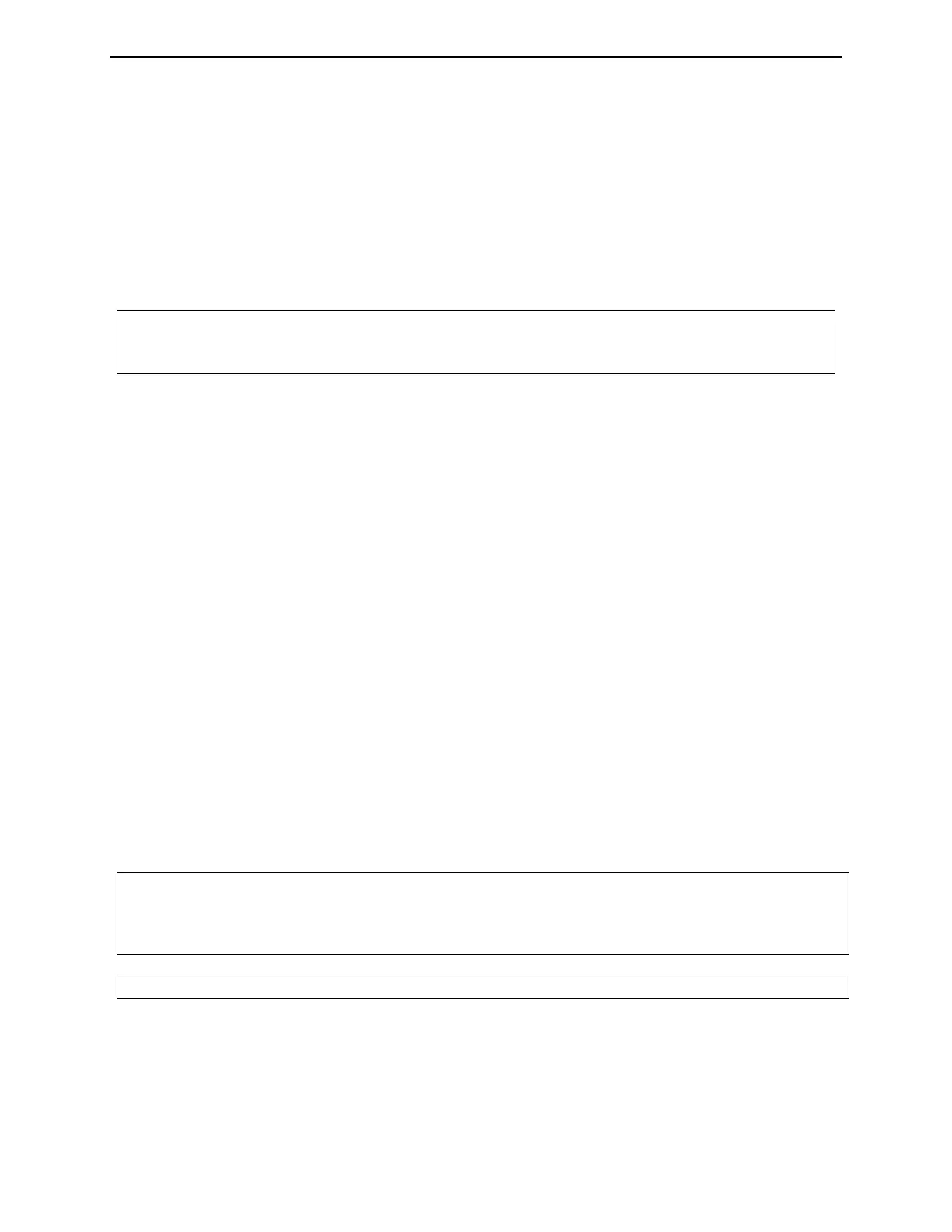
MFJ-991B IntelliTuner Automatic Antenna Tuner Instruction Manual
2005-2012 MFJ Enterprises, Inc.
12
Setup
You can customize how the MFJ-991B tuner operates. Therefore, in addition to displaying power and
SWR, the meter also indicates tuner status when you make setup changes. The meter needles bounce, or
rise to one point and stays to provide information. In this mode the meters do not indicate power levels.
For example, when you press [C-DN] and [L-DN] simultaneously to place the tuner in bypass mode, the
reflected needle bounces to the 20-watt mark until you release the buttons. Table 2 summarizes the meter
needle stationary and bounce codes.
Note: When you press buttons to change specific set-ups, you will toggle to the next set-up
parameter without first seeing your current set-up parameter. I.e., you are toggling from
where you were to the new setting with each press of the buttons.
Power Level
You can set the maximum power level the MFJ-991B can handle to 300 watts or 150 watts SSB/CW.
Power level of 300 watts can match antennas with impedances of 6 to 1600 ohms; power level of 150
watts can match a wider impedance range of 6 to 3200 ohms. Default is 300 watts. Press [TUNE], [C-
UP] and [L-UP] buttons simultaneously to toggle the power level between 300 and 150 watts (Forward
Power meter needle reads 300 and 150 watts, respectively).
Target SWR
You can set the target SWR to 1.5 or 2.0. The tuning process will stop when a match with an SWR less
than or equal to the target SWR is found. The default is 1.5. Setting the target SWR to 2.0 may result in
shorter tuning times. You can toggle the target SWR between 1.5 and 2.0 by pressing [TUNE] and [C-
UP] simultaneously; the meter needles intersect at SWR of 1.5 or 2.0 to indicate the change.
Auto Tune SWR
You can set the SWR threshold to 0.5, 1.0 or 1.5. The default is 0.5. In the automatic mode, the tuning
process will automatically start when the SWR is above the target SWR by this amount of SWR
threshold. For example, for target SWR of 1.5 and auto tune SWR of 0.5, the tuning process will start
whenever the SWR rises above 2.0 (1.5 + 0.5) and there is at least two watts of RF power applied. Press
[TUNE] and [L-UP] simultaneously to cycle the auto tune SWR among 0.5, 1.0 and 1.5 (Reflected Power
meter needle reads 5, 20 and 60 watts, respectively).
Note: The AUTO button should always be IN (semi-automatic) unless a compatible radio interface
cable is connected between the MFJ-991B and your transceiver. This will ensure that the
MFJ-991B does not attempt tuning during high-power operation. This is particularly
important when a HF amplifier is also being used.
Note: If an amplifier is in-line, it should always be bypassed prior to tuning.
Antenna Memory
The “memory resolution” is the width of frequency spectrum that the tuner recognizes as being the same
as a tuned frequency already in memory. The memory resolution is approximately 0.1 percent of the
lower frequency of each amateur band. For example, the memory resolution on the 40-meter band (7000


 To Next Page