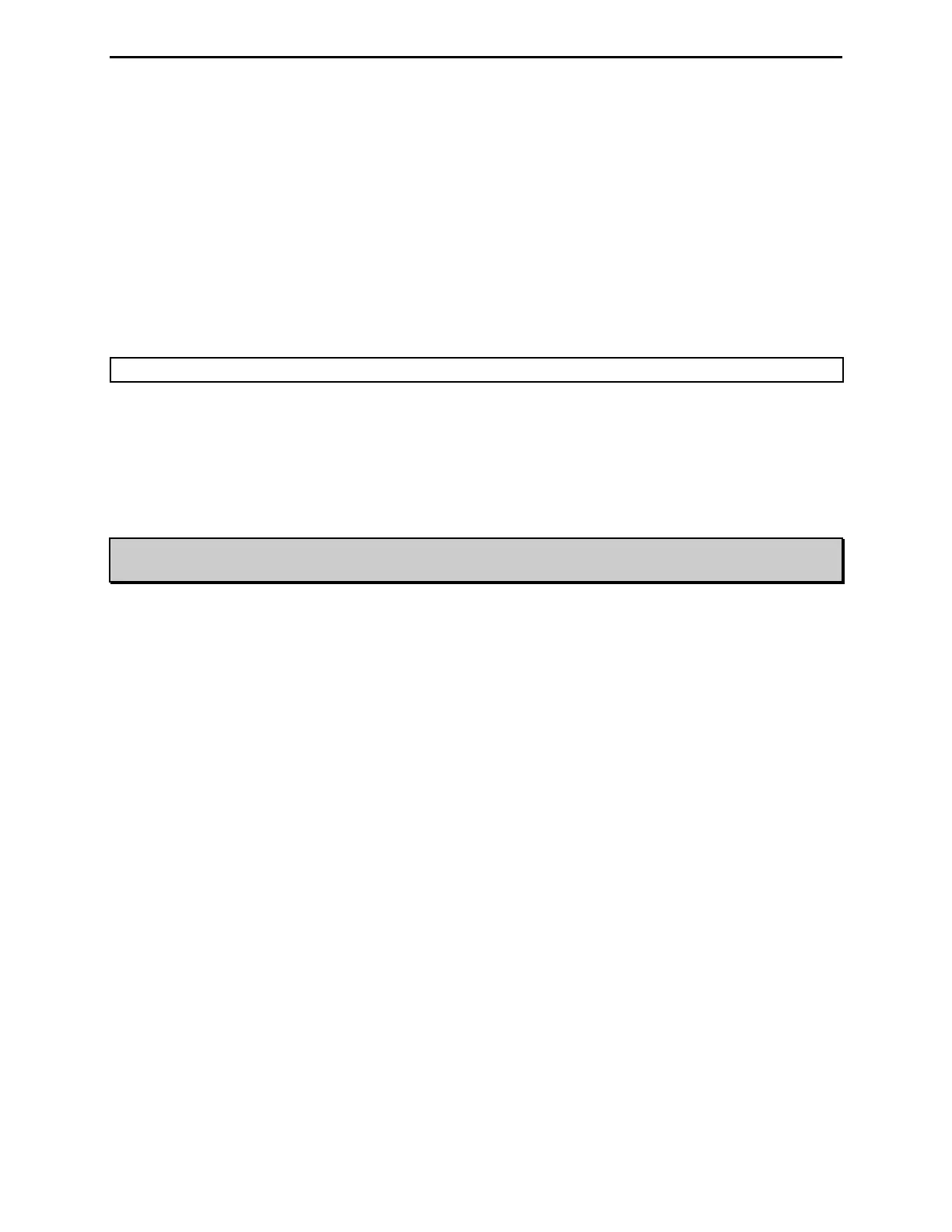
MFJ-991B IntelliTuner Automatic Antenna Tuner Instruction Manual
2005-2012 MFJ Enterprises, Inc.
20
Factory Defaults
The unit is shipped with the following default settings:
• Inductance 0 μH
• Capacitance 0 pF on transmitter side
• Power Level 300 watts
• Target SWR 1.5
• Auto Tune SWR 0.5 above target SWR
• Memory Bank A
• Meter Range 300 watts (high range)
• StickyTune
TM
Off (resets to OFF after tuning or power cycle)
Note: Resetting to factory defaults does not erase the antenna memory.
To reset the tuner to these defaults:
1. Turn off the power to the tuner.
2. Press and hold both the [TUNE] and [L-DN] buttons while turning the power on.
3. Release the buttons when both meter needles read full scale.
4. Resume normal operation.
WARNING: If the tuner is behaving weirdly or acting erratic, try resetting the tuner to factory
defaults.
Delete Antenna Memory
To delete the antenna memory, turn off power to the tuner, and then press and hold both the [TUNE] and
[C-DN] buttons while turning the power back on. Both meter needles will read half scale. Press the [C-
UP] button to delete the antenna memory (both meter needles go to full scale), or press the [L-UP] button
to cancel (both meter needles go to zero scale). Release the button to resume normal operation.
Remember that the antenna memory will be lost!
Total Reset
To erase the antenna memory and reset to factory defaults, press and hold down the [TUNE], [C-DN] and
[L-DN] buttons while turning the power on. Both meter needles will read half scale. Press the [C-UP]
button for a total reset (both meter needles go to full scale), or press the [L-UP] button to cancel (both
meter needles go to zero scale). Release the button to resume normal operation. Remember that all
antenna memories will be lost and tuner settings will return to default!


 To Next Page