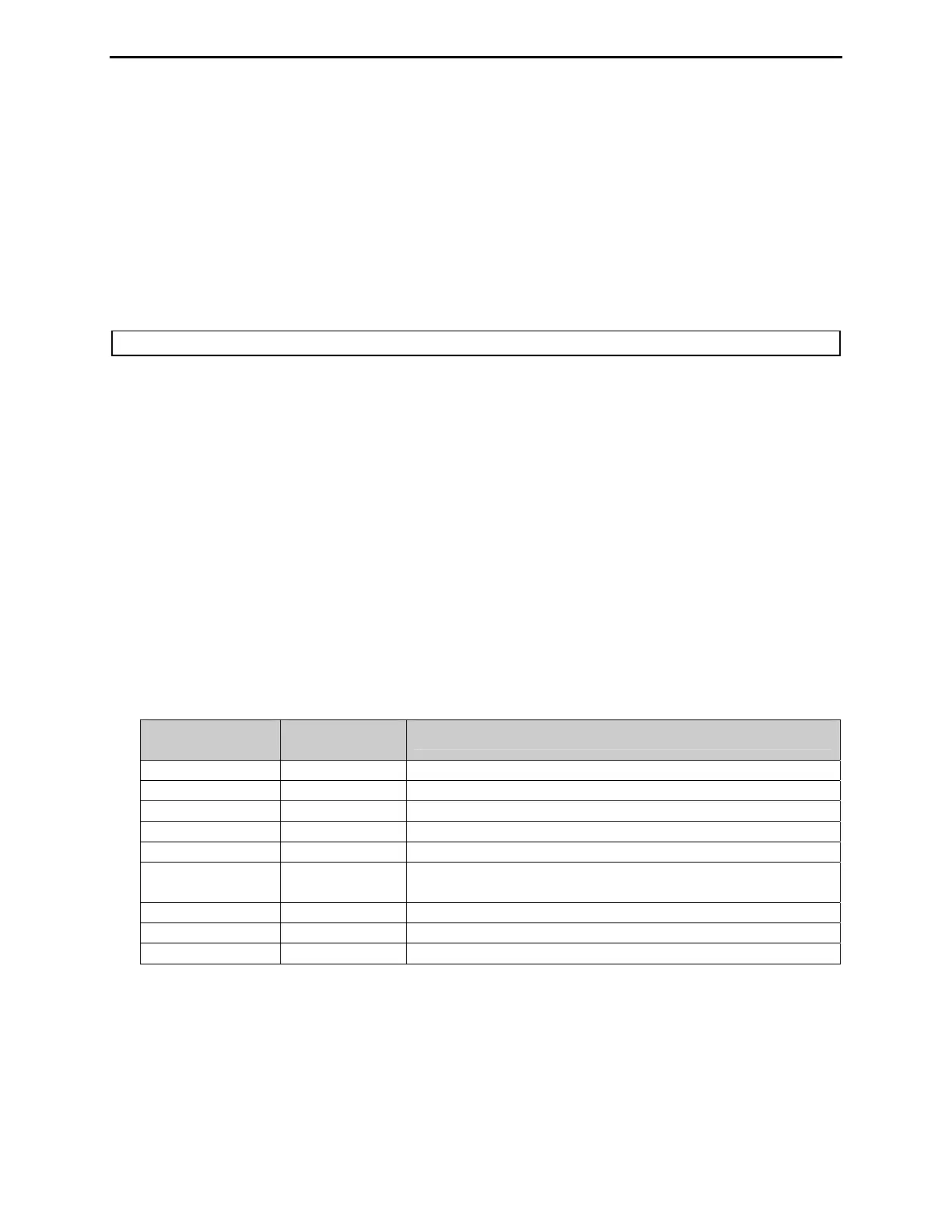
MFJ-991B IntelliTuner Automatic Antenna Tuner Instruction Manual
2005-2012 MFJ Enterprises, Inc.
21
Self Test
A self-test routine checks the functions of the tuner. This routine checks the meter, the front-panel
buttons, and the internal memory. During the self-test, you may stop the test by turning off the unit;
however, this should NOT be done during the memory test or the memory could be corrupted. The self-
test can be completed in approximately 30 seconds.
This test also can be used to test the MFJ-991RC Remote Control. Make sure to lock in the [AUTO]
button on the tuner before starting the self-test, and press the buttons on the MFJ-991RC instead of the
front-panel buttons when prompted.
Note: Performing the self-test will reset the unit to its factory default settings.
Here is the self-test procedure:
1. Turn off the power to the tuner, and press all buttons to the out position.
2. Unplug the radio interface cable, if one is connected, from the tuner.
3. If testing the MFJ-991RC Remote Control, connect it to the Remote Port and make sure the [AUTO]
button on the tuner is locked in.
4. Press and hold only the [L-UP] button while turning the power on.
5. The test begins by the forward needle of the meter going up slowly to full scale and then drops to
zero, followed by the reflected needle going up slowly to full scale and then dropping to zero. This
tests the meter. Release the [L-UP] button before the reflected needle goes to zero.
6. The reflected needle goes to the 3-watt mark. Now, press each of the front panel buttons in this
sequence: [C-UP], [C-DN], [L-UP], [L-DN], [AUTO], and then [TUNE]. The forward needle should
bounce once for each press, and the reflected needle should move up a division for each press.
7. The unit then tests its non-volatile memory. This will reset the unit to its factory default settings.
8. If the unit is okay, both meter needles will go to full scale. If there is a problem, the forward needle
will bounce and the reflected needle mark will indicate the failure.
9. Turn the tuner power off.
Failure
Message
Reflected
Needle (watts)
Indicates
C-UP FAIL
3 [C-UP] button is shorted or improperly connected.
C-DN FAIL
4 [C-DN] button is shorted or improperly connected.
L-UP FAIL
5 [L-UP] button is shorted or improperly connected.
L-DN FAIL
7.5 [L-DN] button is shorted or improperly connected.
AUTO FAIL
10 [AUTO] button is shorted or improperly connected.
TUNE FAIL
15 [TUNE] button is shorted or improperly connected.
Radio interface cable is connected but radio power is off.
MEMORY FAIL
20 Non-volatile memory circuitry is improperly connected.
WAKEUP FAIL
30 Microprocessor wakeup circuitry problem.
PD FAIL
40 Power down circuitry problem.
Table 4. Failure Messages.


 To Next Page