
 Need help?
Do you have a question about the MGE UPS Systems Pulsar EX15 and is the answer not in the manual?
Essential safety guidelines for operating and maintaining the UPS equipment.
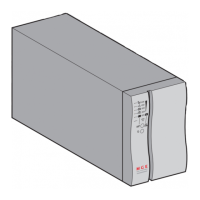
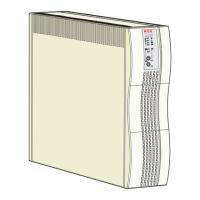
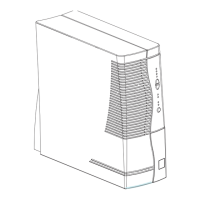
Details on the Pulsar UPS models, their purpose, and suitability for network devices.
Covers rack kits, environment sensors, and battery extension modules for enhanced functionality.
Details on communication cables, UPS Manager 2 software, SNMP, and status cards for network management.
Software for UPS configuration, monitoring, and automated shutdown in Windows and network environments.
Guidance on UPS placement, preliminary checks, power connection, and optional battery module hookup.
Information on U-Talk port, status card, and SNMP card for UPS data exchange.
Step-by-step instructions for starting the UPS with and without utility power.
How the UPS functions during power outages, including battery status, warnings, and load handling.
Procedures for managing overload situations and diagnosing device faults.
Understanding battery problems, low battery states, and the UPS operation on bypass.
 General
| Input Voltage | 230V |
|---|---|
| Input Frequency | 50/60 Hz |
| Output Frequency | 50/60 Hz |
| Topology | Line-interactive |
| Form Factor | Tower |
| Transfer Time | 4-8 ms |
| Humidity | 0-95% non-condensing |
| Output Voltage | 230V |
| Battery Type | Sealed Lead-Acid (SLA) |
| Communication Ports | USB, RS-232 |
| Operating Temperature | 0 to 40 °C |
| Storage Temperature | -15 to 45 °C |




 To Next Page