Blaze EMS-2 Operating Manual Page 18
4.6 Analog CH1 to CH4 Setup
The 4 analog channels are universal analog input channels that can be used for pressure, temperature or current.
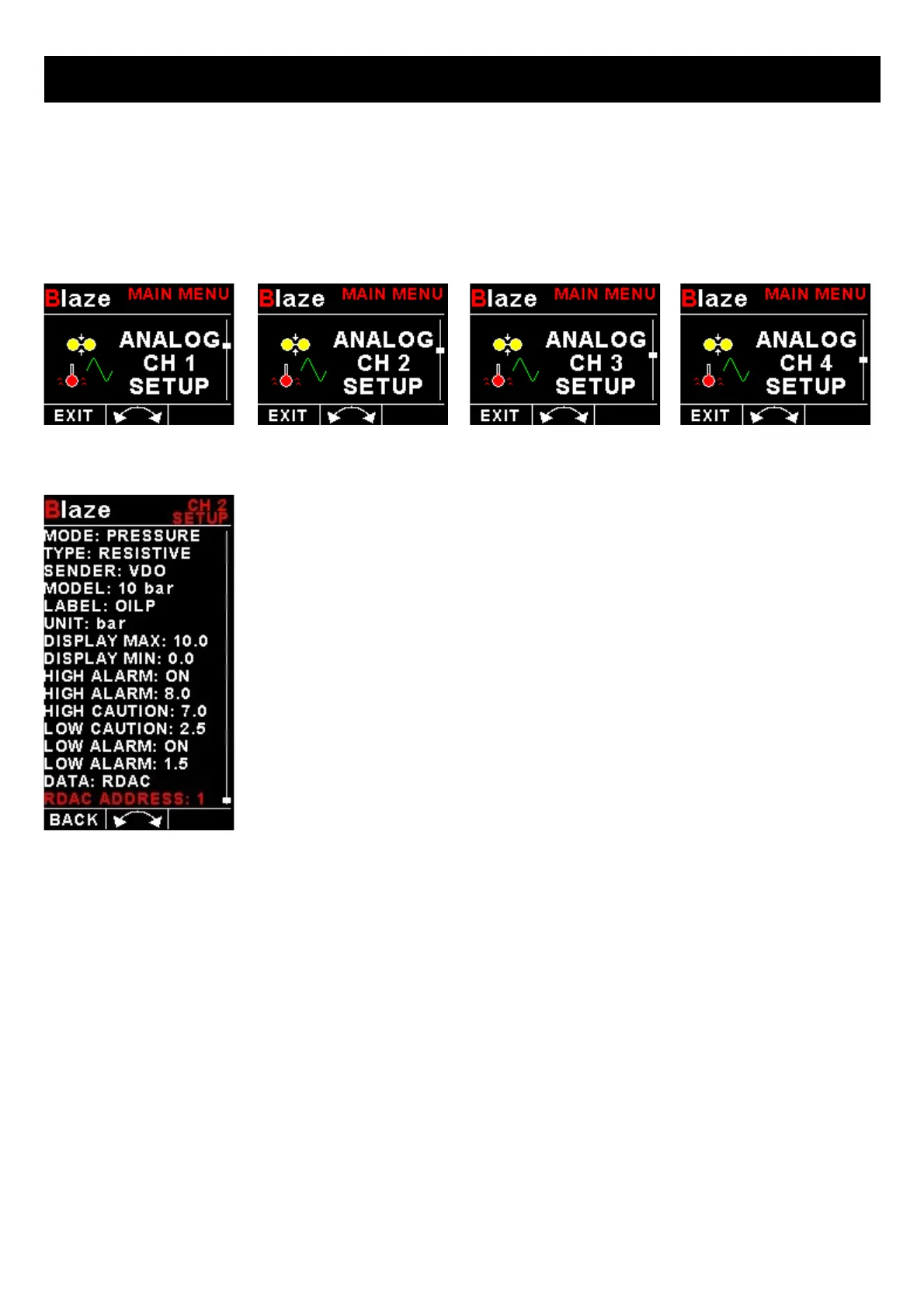
Only “CHANNEL 1” Setup is shown below, follow the same steps for Channel 2, 3 & 4
4.6.1 Pressure Setup
Mode:
Select the function for the analog channel. Options are “PRESSURE”, “TEMP”, “CURRENT”, “FUEL LEVEL” or “OFF”.
Type:
Select if you are using a resistive, voltage or current pressure sender.
If the “RESISTIVE” pressure sender is selected
Sender:
Select what type of resistive pressure sender you are using. Select “VDO” for VDO / resistive senders, “USER” for a
custom sender.
Model:
Select which VDO pressure sender you are using. A selection between a VDO 2, 5 or 10 Bar can be selected.



 To Next Page