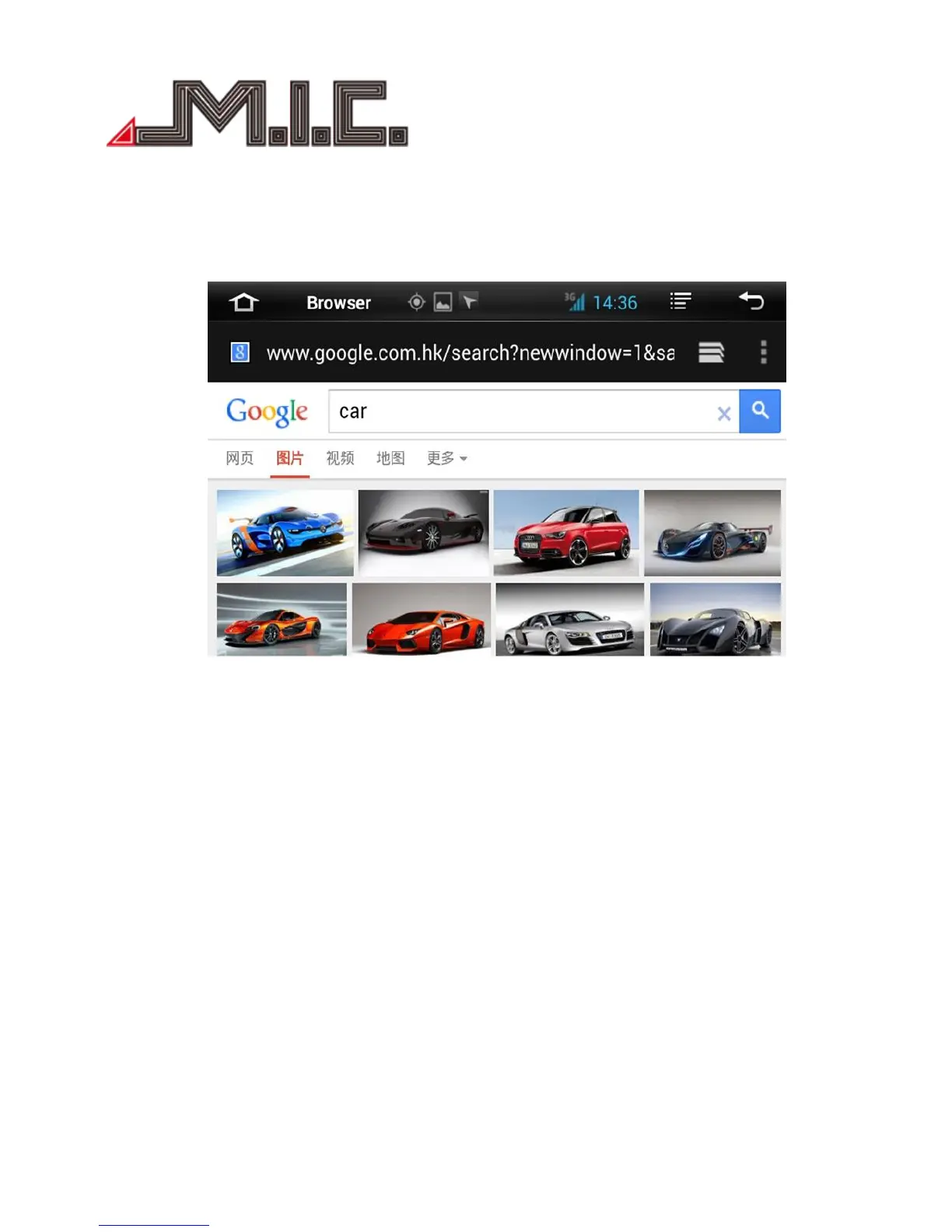
Browser
After you connecting “hard driver”, “SD ”,“USB”,“photos”, “movie”and “Tool”,connect ,then Click“File
Manager”,you will read the content .
Click“Browser”Open“ Google”inter page,You can enter into different websites ,then web searching,
read news,know the latest events,stock inquiries.
GPS Navigation
APK File Installation Setting
Select the GPS Card slot path, then click the APK installation files to install the map, as the below picture:
When you need use the navigation, you must click “SD” at first,click“primo_800*480” “IGO” and install
the ”APK” file.
When you install finished map, you can open the map,GPS navigation .


 To Next Page