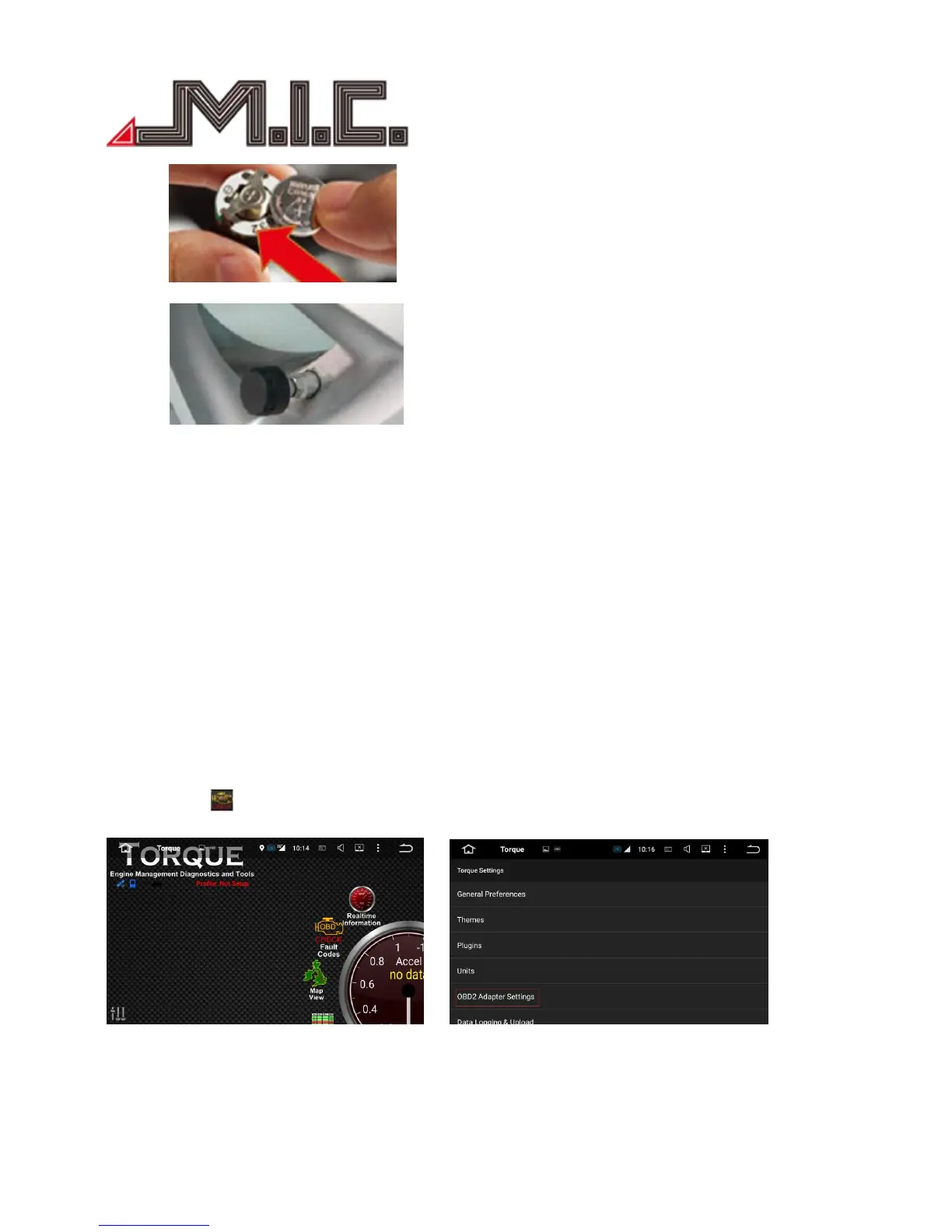
e. Screw lid tightly onto sensor housing, return sensor onto tire valve and fix with hexagon nut.
OBDⅡ(optional)
OBDⅡis very good tool to monitor car condition. By Torque, it will display car RPM, speed, mile, oil etcs
information, also get the compass, barometer, accelerometer etcs after it is connected to GPS via OBD2
Bluetooth; provide the more and more professional real-time data to the driver, and check the car error and
quality performance.
Besides, Torque also support Google map function, which is a practical tool with the small network flow.
Usage:
Please insert the detection card to the port of OBD, turn on the Bluetooth of the unit, and connect the
Torque following the steps displayed. The data displayed from the ECU is the most factual and correct, when
Torque is monitoring car status. (Please refer to the OBD user manual for more details.)
Click the icon to access Torque, before connection, please set up the OBD2 adapter setting and choose
Bluetooth device.


 To Next Page