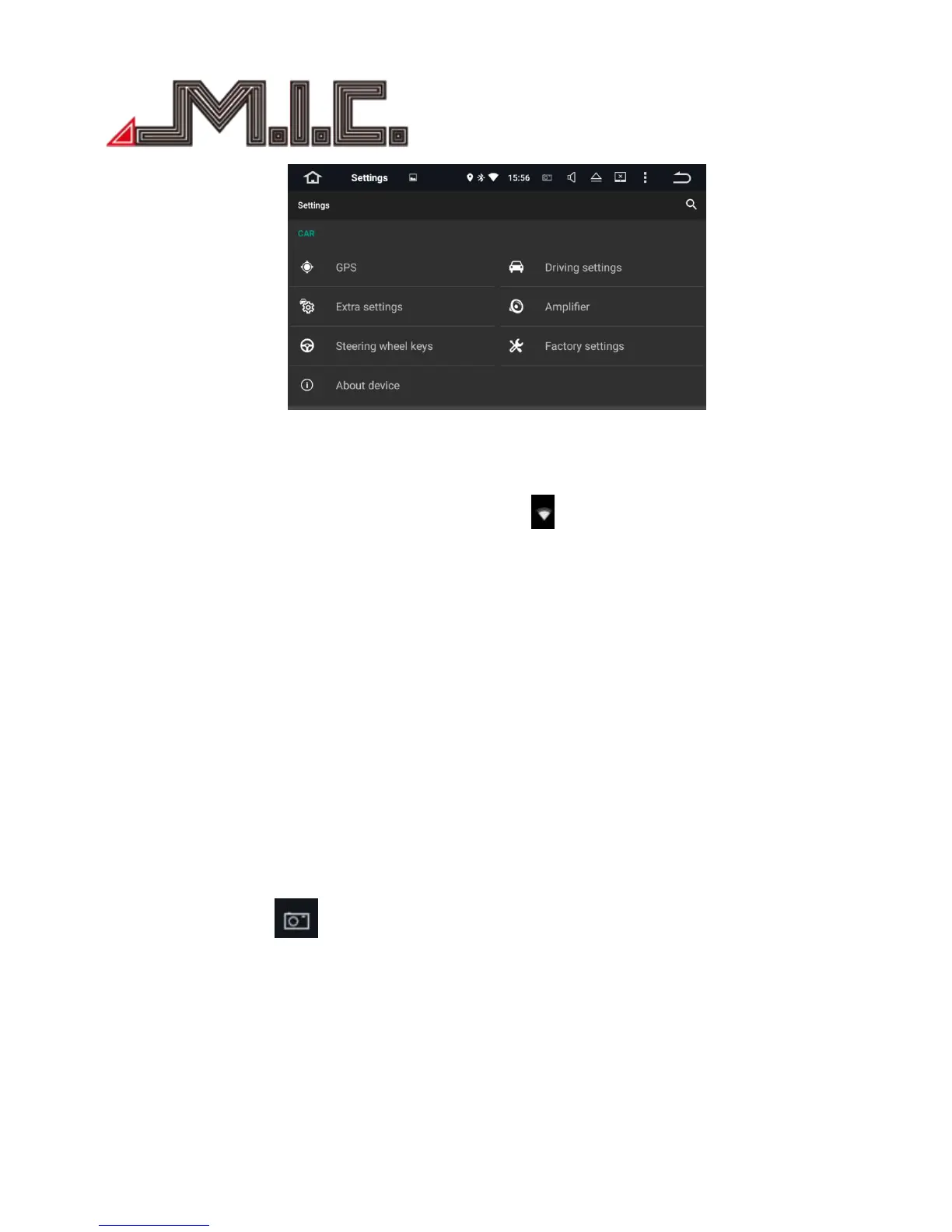
WiFi setting:
Input wireless network name and password; the WIFI icon will appears at the top of status bar after the
connection is successful.
3G setting:
Plug the 3G dongle by USB cable, and input VPN information; the 3G icon will appears at the top of status
bar after the connection is successful.
Display Setting:
Set up screen brightness, dynamic screen and background
Sound Setting:
Set up the key tone and volume.
Storage Setting:
Check the Internal storage and iNand flash, the details of used and available capacity.
Application Setting:
Check running status, installation and unloading of software
Shortscreen Setting:
Select 10 seconds,15 seconds,30seconds to capture the image of screen and set the storage location, show
the screenshot button at the top of status bar.
Security Setting:
All the Programs to factory reset.
Account Setting:
Register mailbox or set up E-mail, send and receive mails conveniently, check E-mail information easily.
Language and input Setting:


 To Next Page