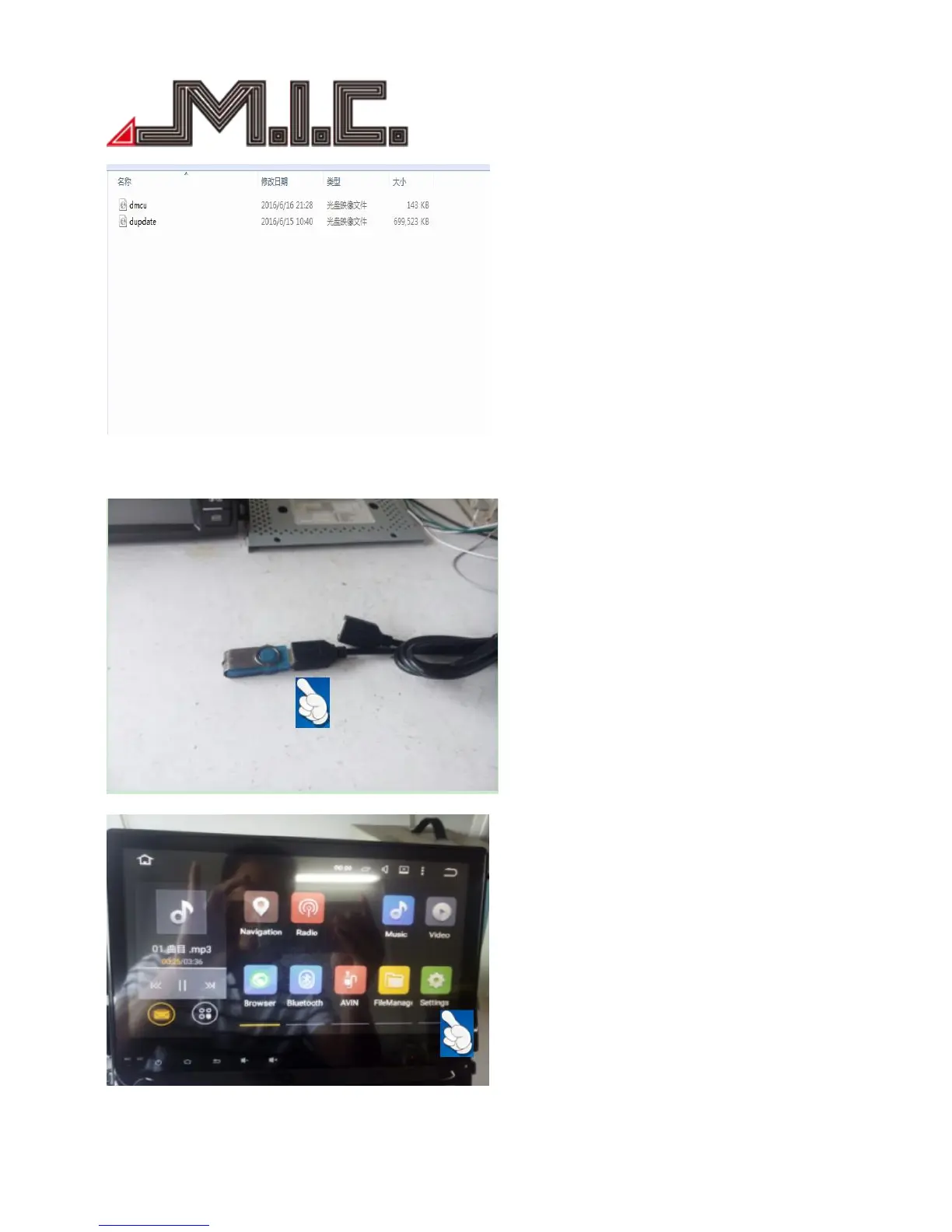
1. Copy the two upgrade files to the root directory of the USB flash disk, and the USB flash disk must be in
FAT32 format, other formats will upgrade fail.
2. Plug USB flask disk into USB connector of the DVD player.
3. Boot up the DVD player, into HOME interface, select the Setting.


 To Next Page