PAGE 3
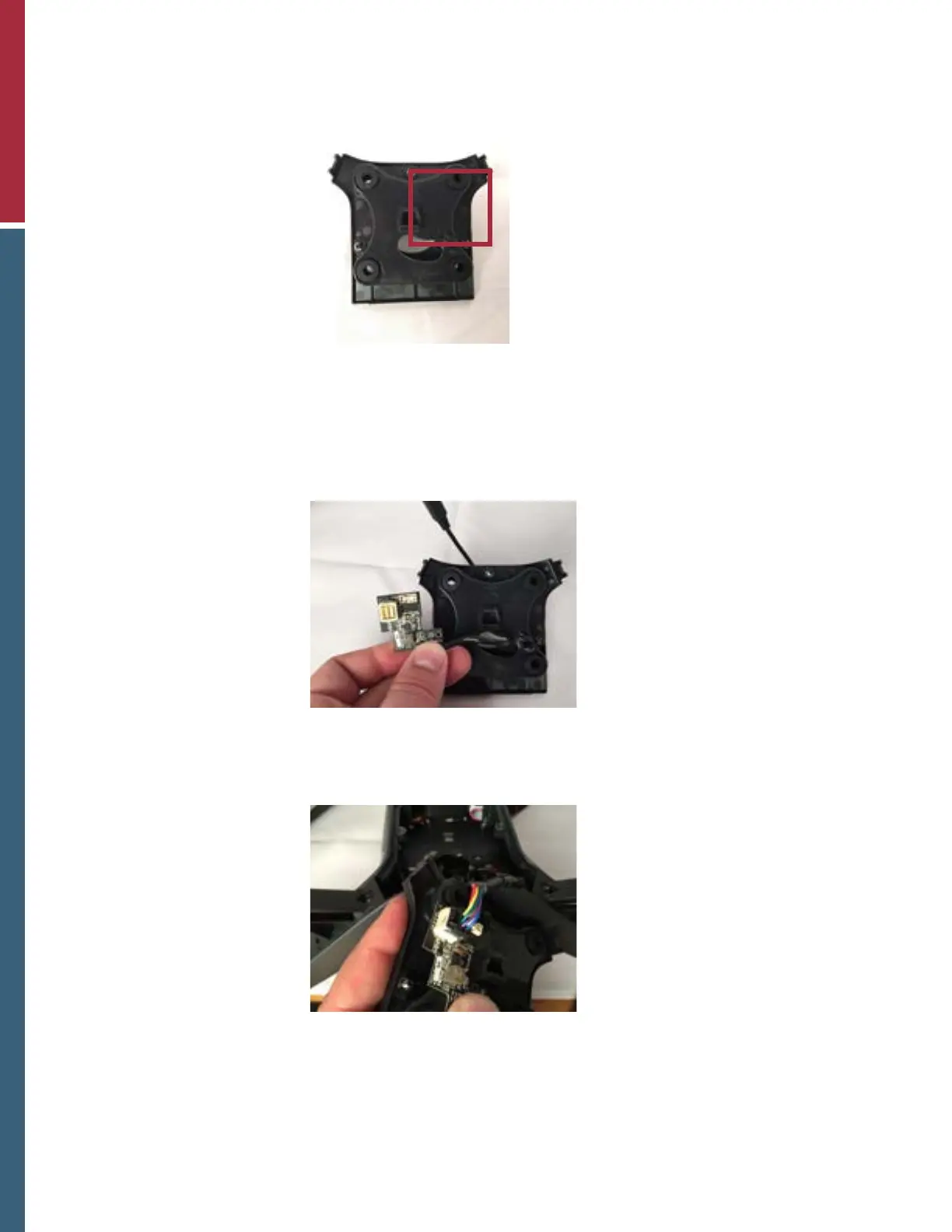
3. Clean the area outlined in the image below to remove all foreign debris and oils using the provided
alcohol wipe.
Clean the area indicated with
provided alcohol wipe.
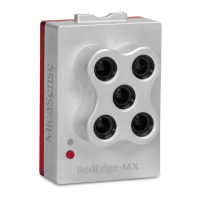
4. Remove the adhesive cover from the power board.
5. Thread the RedEdge connector through the hole in the cover as shown. Peeling back the red
adhesive lining, adhere the board to the cover in the position indicated below.
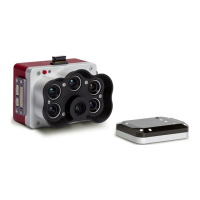
6. Locate the gimbal cable within the Solo and plug into the BEC as shown.
7. Replace the gimbal bay cover with the three screws.


 To Next Page