9LIT-PAL-CS Rev B
Encountering Diagnostic Codes
Diagnostic Codes
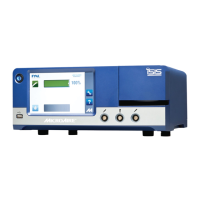
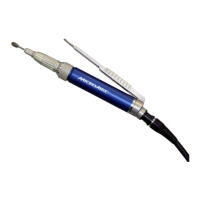
The 5020 Console is equipped with diagnostic functions to address any errors or anomalies detected while
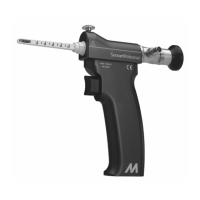
using the PAL-650 Electric Handpiece and 5006-PAL Cable.
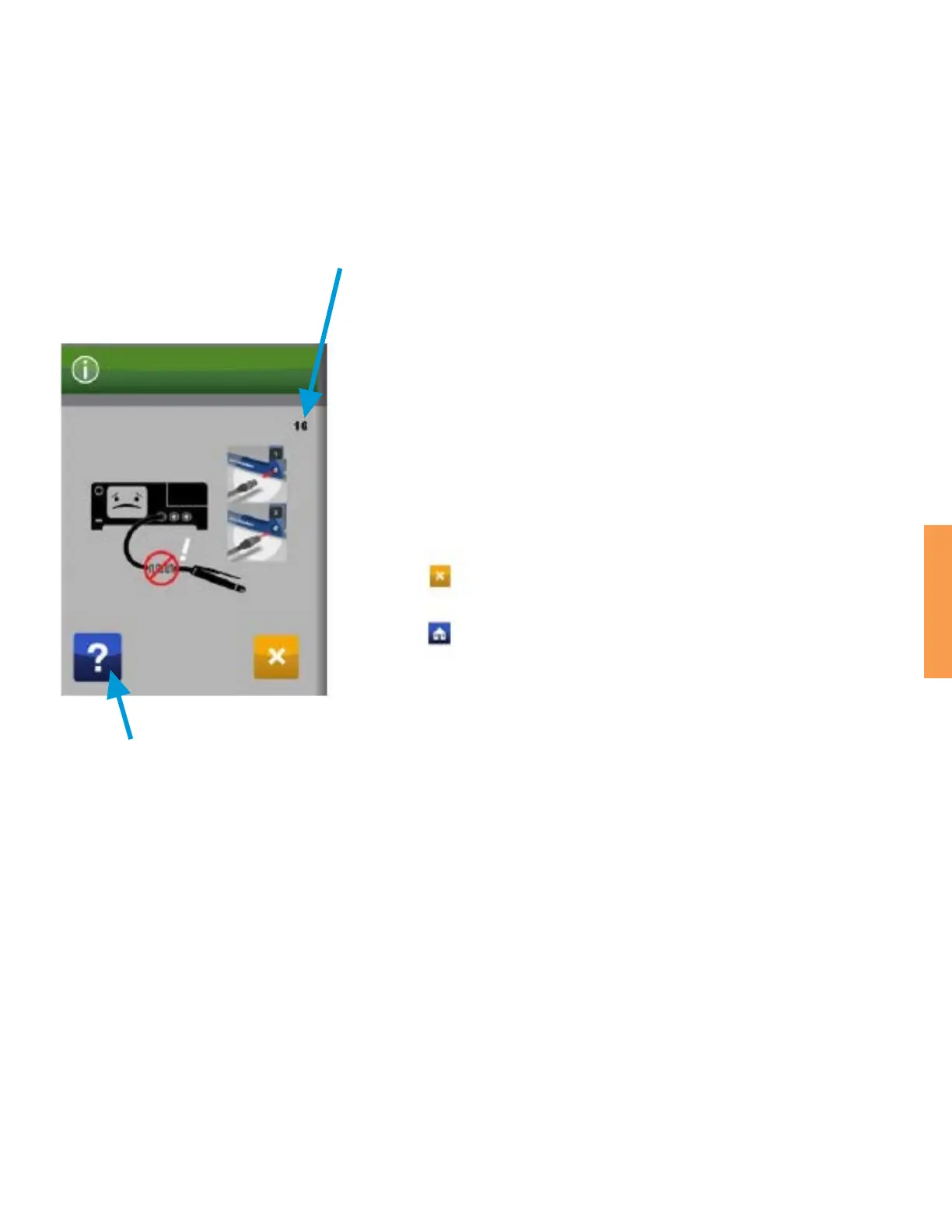
Provides explanation of code.
Each diagnostic code is assigned a number.
• In this case, the error code number is 16, and the description is
“Instrument Hall Failure Alert”.
• Many codes provide instructions on what is required to clear the
codes; however, most indicate an issue with the system that must
be addressed by swapping out that piece of equipment.
Instrument Hall Failure Alert – The Console has detected a failure
in the operation of the motor’s hall states. Unplug instrument and
reconnect to the Console to reset. If Hall errors continue, return
instrument and Cable to MicroAire for service.
Press the Icon to clear the Alert.
Press the Icon to exert Alert Help.
1. With the exception of Temperature, Communication, Stall, or Electromagnetic Interference codes, most
of the remaining codes can be an indication of a bad connection.
2. To verify a proper connection, remove the Cable from the Handpiece and from the Console. Inspect the
contacts on the Cable, Handpiece, and Console for the following conditions:
• Moisture
• Signs of Corrosion
• Indications of Damaged or Bent Pins
3. Corrosion can impede the electrical signals of your PAL system and may or may not be corrected by
detaching and reattaching the cable.
4. Any visible signs of corrosion or damaged/bent pins should prompt return of the product for
evaluation by MicroAire.
For more information, please reference the PAL System IFU “IM-PAL-650”.



 To Next Page