Serial Connector Pin Assignments
The assignment of signals to the connector pins is controlled by the software interface selection. For
interface types that use a connector different than DB-25 an adapter cable purchased from MicroGate is
required. The following sections describe the software settings and cables for each supported standard.
RS-232
The RS-232 standard uses single ended signals on a DB-25 connector. The adapter DB-25 connector
follows this standard when the software selects RS-232. Use any straight through 25 conductor DB-25M
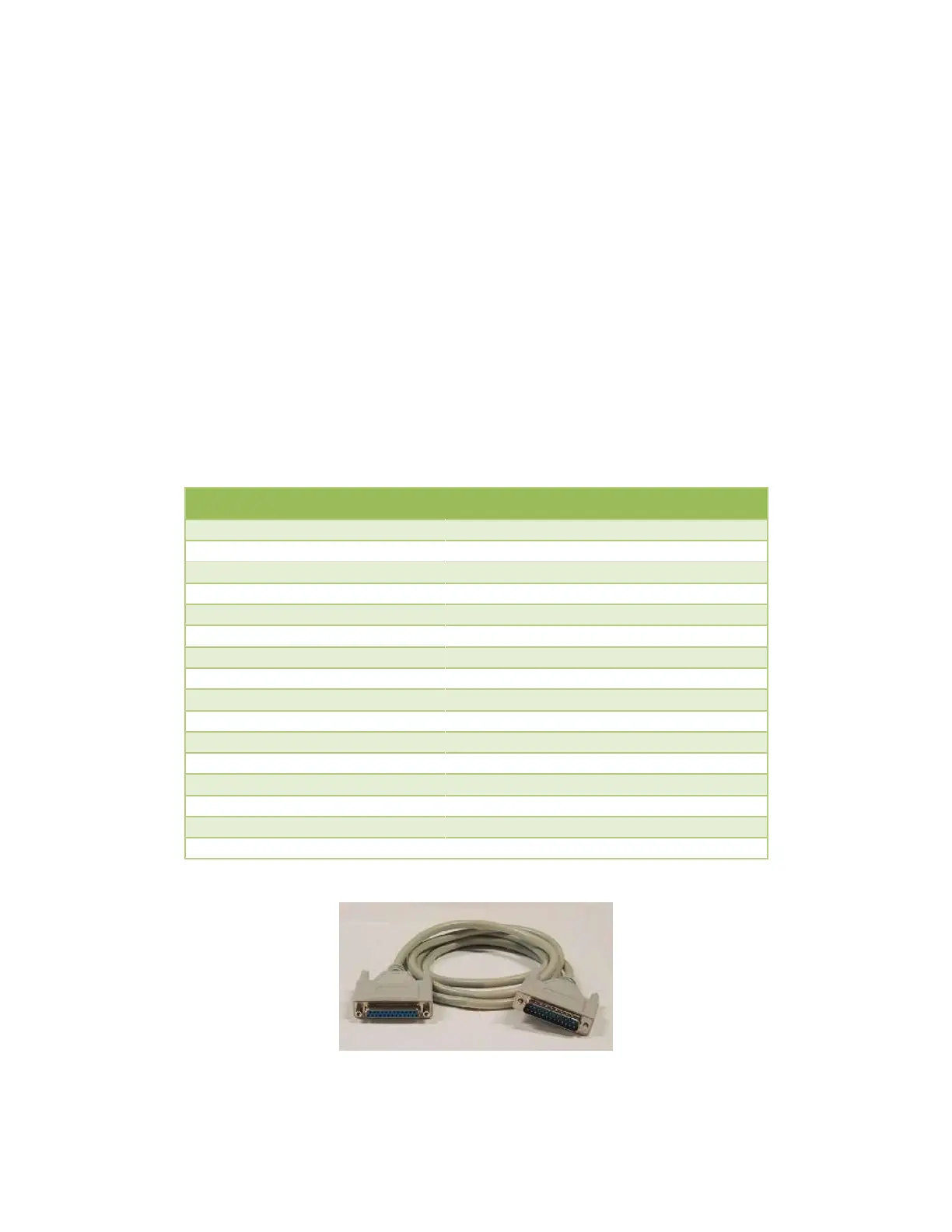
to DB-25F cable (such as MicroGate Part # CMF000) to connect the adapter connector to the
communications equipment.
The maximum data rate supported by the adapter when using RS-232 is 128Kbps. Cable length and
signal loading may reduce the maximum usable data rate from this value.
LL, Local Loopback Control
RL, Remote Loopback Control
Figure 1 RS-232 Cable (Part# CMF000)


 To Next Page