CCM005-1718347970-10451
micron_xccela_zedboard_user_guide.pdf Rev 2.1 4/19 6
Micron
®
Xccela
™
Flash User Guide for ZedBoard
™
3 Set Up and Installation
3.1 Boot File
The software file (
config-MT35X_1.8.zip
for
MT35XU
series or
config-MT35X_3.0.zip
for
MT35XL
series)
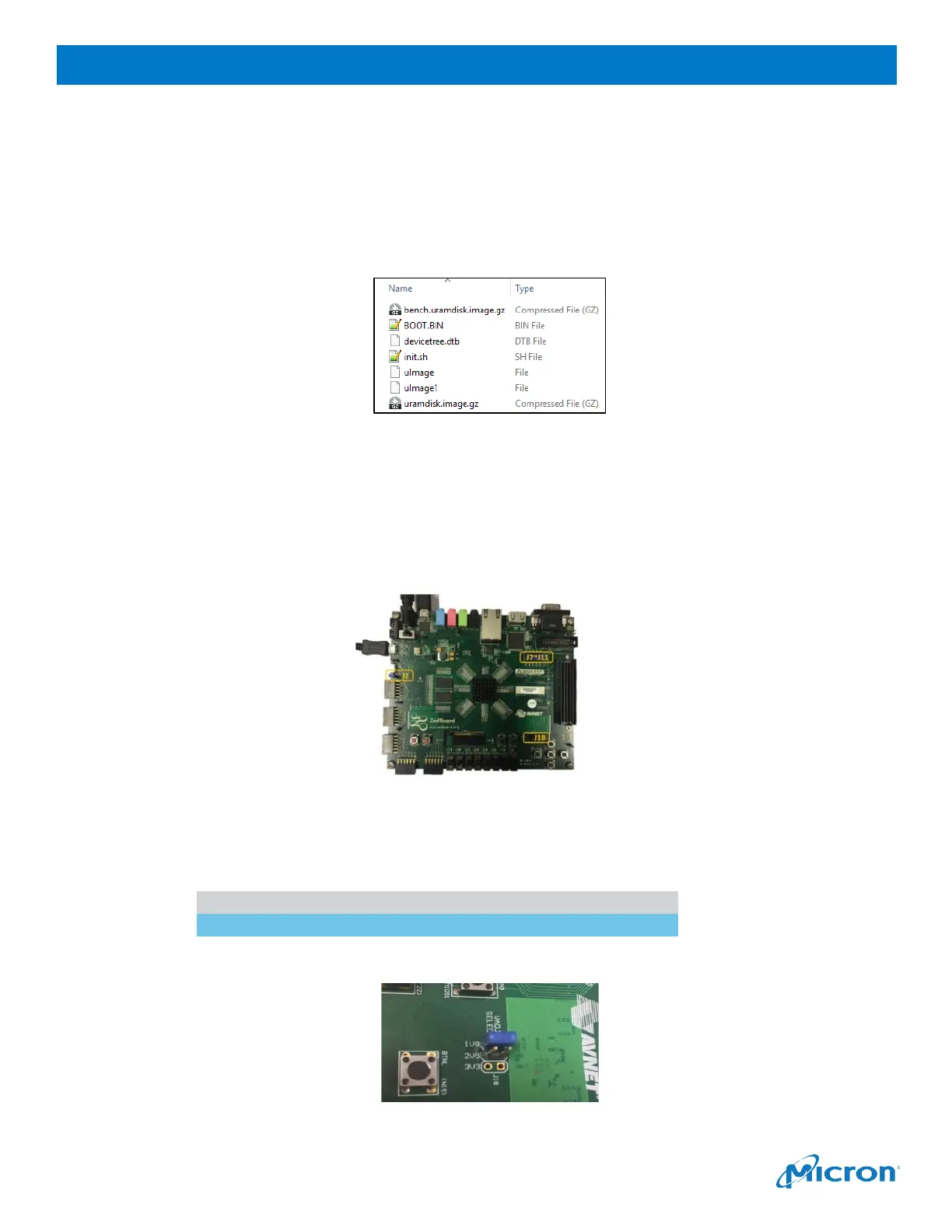
contains seven files required to boot up the ZedBoard. These files must be stored in a FAT32-formatted SD
card: Linux kernel, Ramdisk rootfs, device tree, boot images and testing bench-related files.
Figure 4: Boot File Contents
IMPORTANT:
Do not rename the boot files; these file names must remain as displayed.
3.2 Jumpers and Connections
To boot the ZedBoard, several jumpers and connections must be configured as described below.
Follow these instructions before powering on the board.
Figure 5: ZedBoard Jumpers and Connections
1.
Connect J2.
2.
Configure JP7, JP8, JP10 and JP11 as follows:
Jumper
3.
Set J18 to 1V or 3V according to the operating power of your sNOR device.
Figure 6: J18 Power Setting



 To Next Page