12
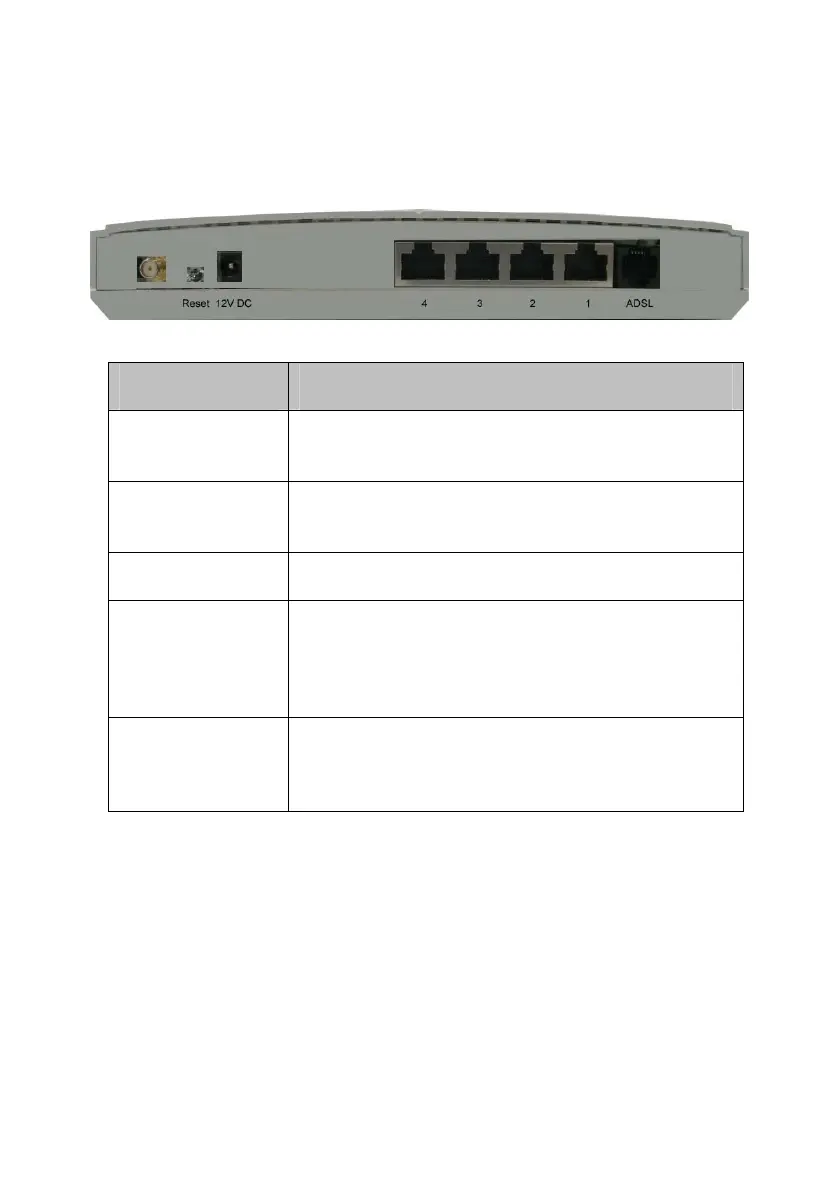
2.3 The Rear Ports
Connector Description
Antenna
Connector
Reverse SMA connector
Reset
The reset button, the router restore default
settings when press until reboot
POWER
Power connector with 12VDC/ 1 Ampere
LAN (1-4)
Router is successfully connected to a device
through the corresponding port (1, 2, 3 or 4). If
the LED is flashing, the Router is actively
sending or receiving data over that port.
ADSL
The RJ-11 connector allows data communication
between the modem and the ADSL network
through a twisted-pair phone wire



 To Next Page