20
Chapter 4 Configuration
4.1 Access the Modem Router
It is advised that the administrator password be changed to safeguard the
security of your network.
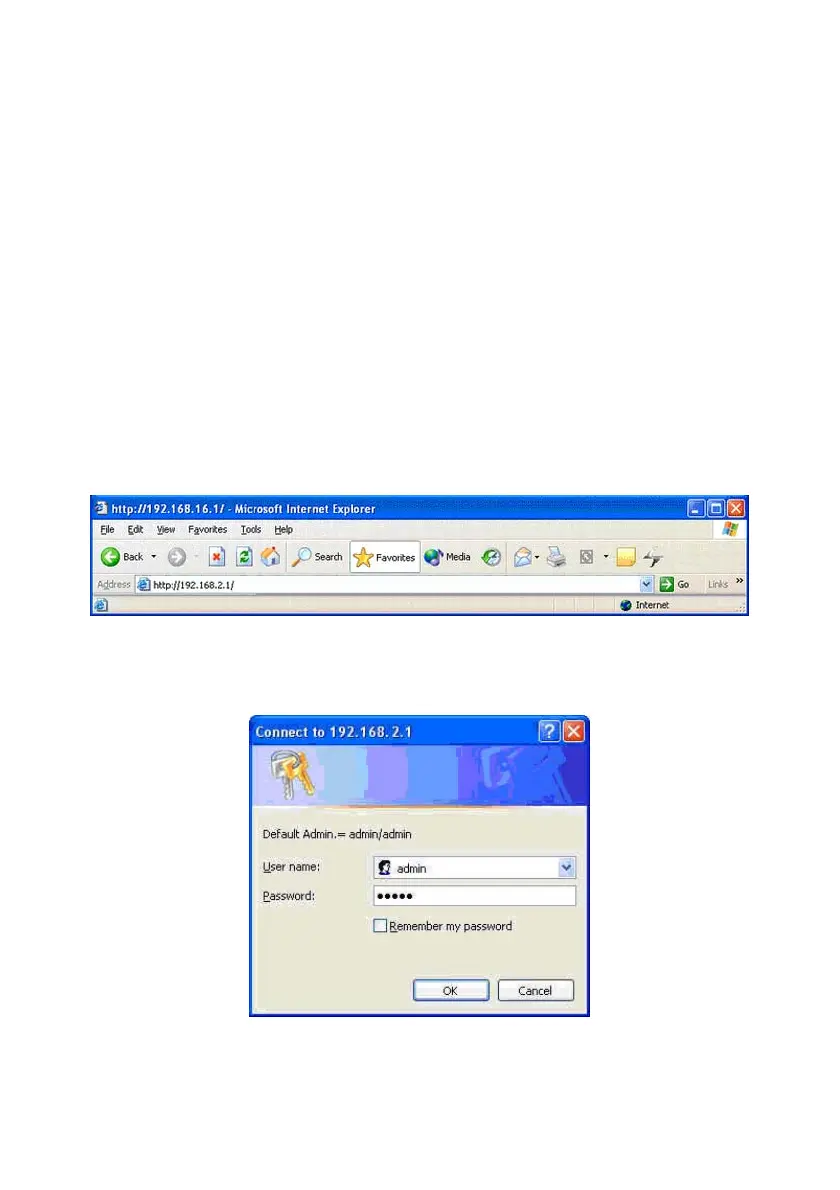
To configure the router, open your browser, type http://192.168.2.1 into the
address bar and click Go to get to the login page.
Save this address in your Favorites for future reference.
At the User name prompt, type admin. And the Password prompt, type
admin. You can change these later if you wish. Click OK.



 To Next Page