50
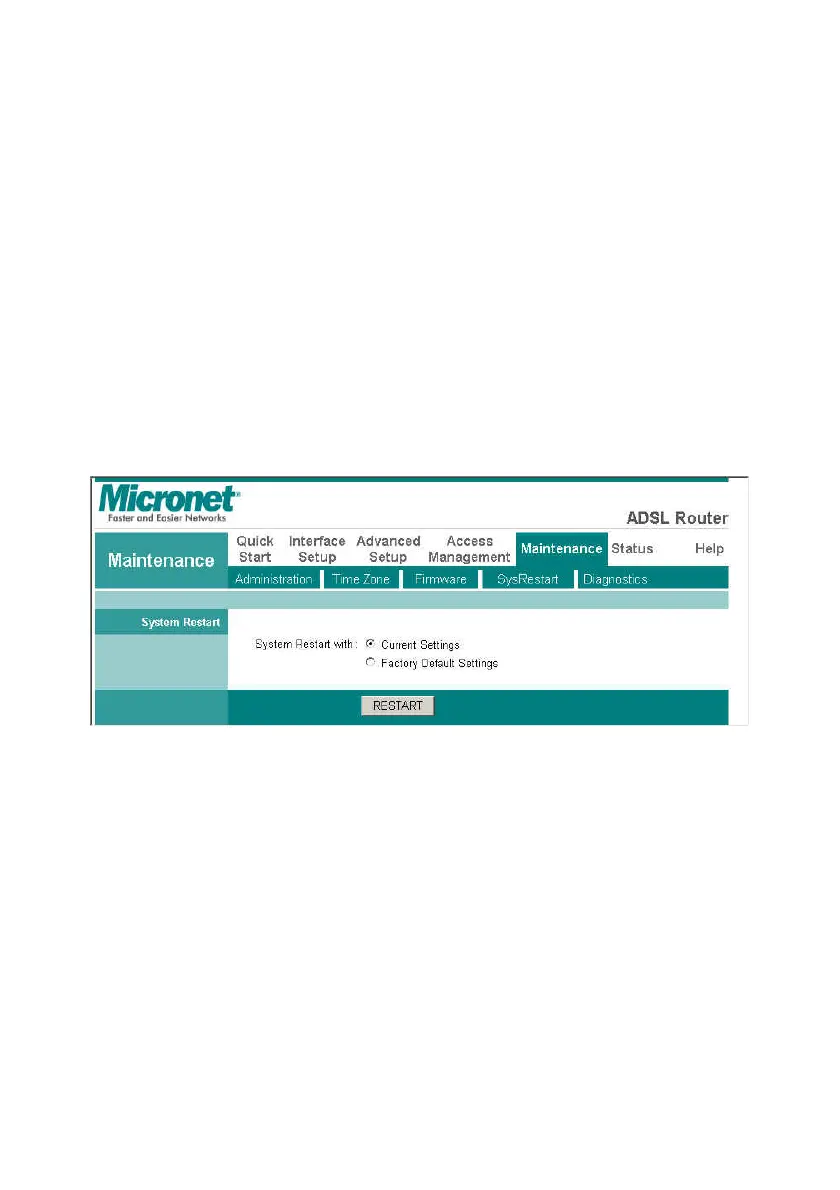
4.6.4 System Restart
In the event that the router stops responding correctly or in some way
stops functioning, you can perform a reset. Your settings will not be
changed.
To perform the reset, select Current Setting and click on the RESTART
button below. The router will reboot with current setting.
Select Factory Default Setting, and click on the RESTART button; the
router will reboot with factory settings in default.



 To Next Page