18
2) Connect a network cable from one of your PCs' Ethernet ports to the
LAN port on the back of the Router.
3) Connect the power adapter to the Power port on the rear of the Router
then connect to a power outlet using the power cord included in the
Router's packaging.
4) Power on one of your PCs. Click the Start button, select Settings and
then select Control Panel.
5) Double-click the Network icon.
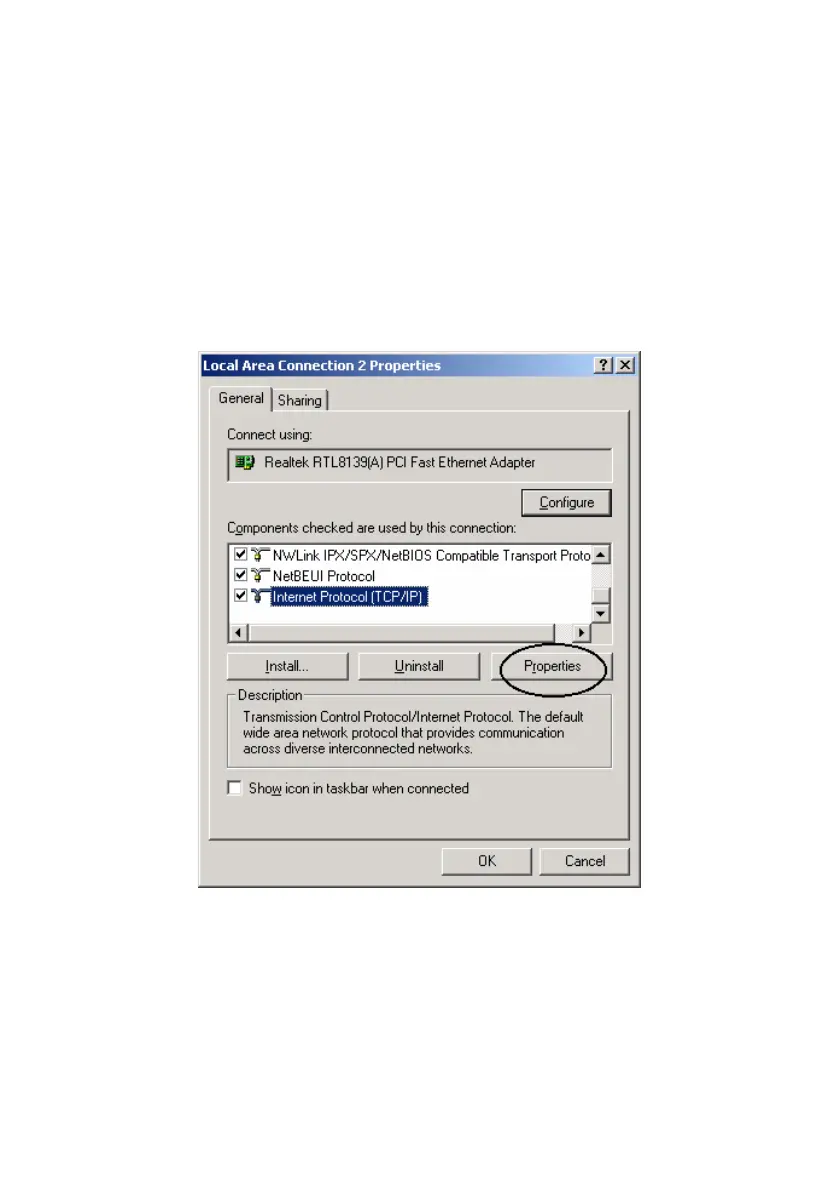
6) In the Configuration window, highlight the TCP/IP that has been
associated with your network card or adapter. (Do NOT configure
TCP/IP Dial-up Adapter.) Click Properties. If the TCP/IP Protocol isn't
listed in the Configuration window, install it.
7) Click the IP Address tab. Select “Obtain an IP address automatically”.
Click OK.



 To Next Page