77
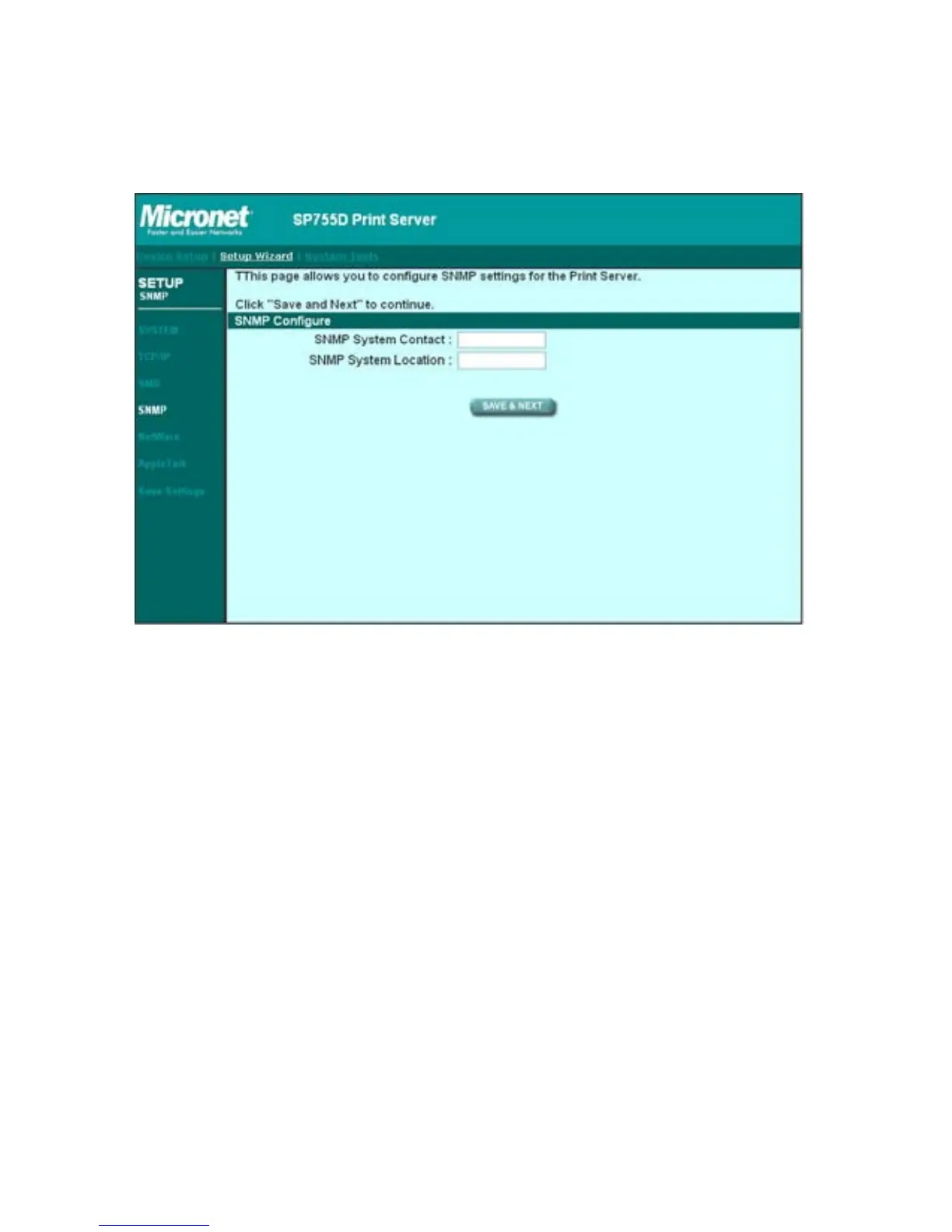
8.4.4 SNMP
The print server supports SNMP configuration. If it is enabled, please set
up the following parameters.
SNMP System Contact: You can enter the print server administrator’s
contact information here. This information will be displayed in the SNMP
management tool.
SNMP System Location: You can enter the installed location of the print
server here. This information will be displayed in the SNMP management
tool.



 To Next Page