20
3.3 Administrator Utilities
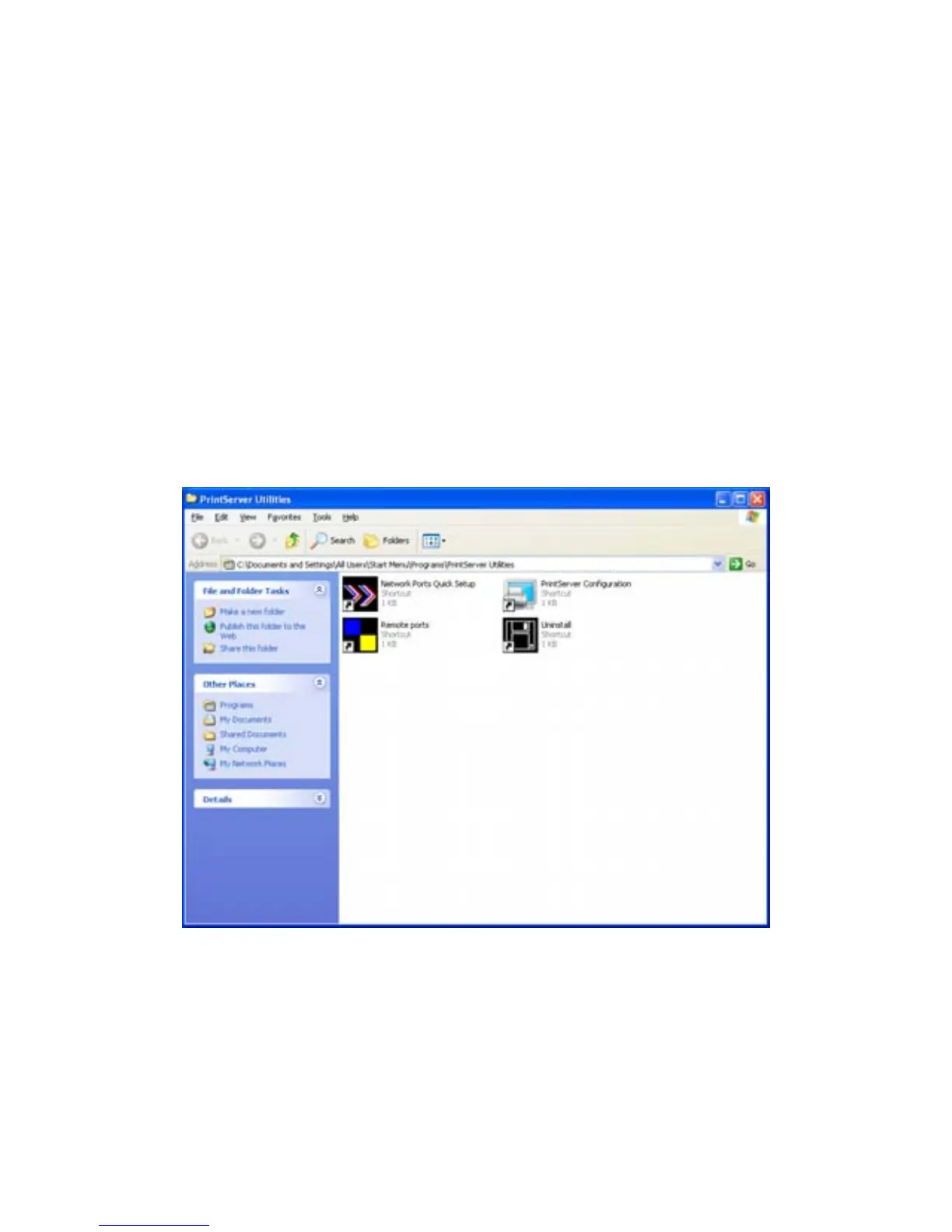
After Administrator Installation is completed, there will be four utilities in
print server’s Program folder.
Network Ports Quick Setup – Add the network ports of print servers within
the network to your PC.
Print Server Configuration – Allows you to configure the print server’s IP
Address, network protocols and other advanced functions. Please refer to
Chapter 7 for the detail instruction of the configuration.
Remote Ports – Add the network port of remote printer server to your PC.
Uninstall – Assistant for removing all installed administrator software.



 To Next Page