82
8.5.2 Upgrade Firmware from Browser
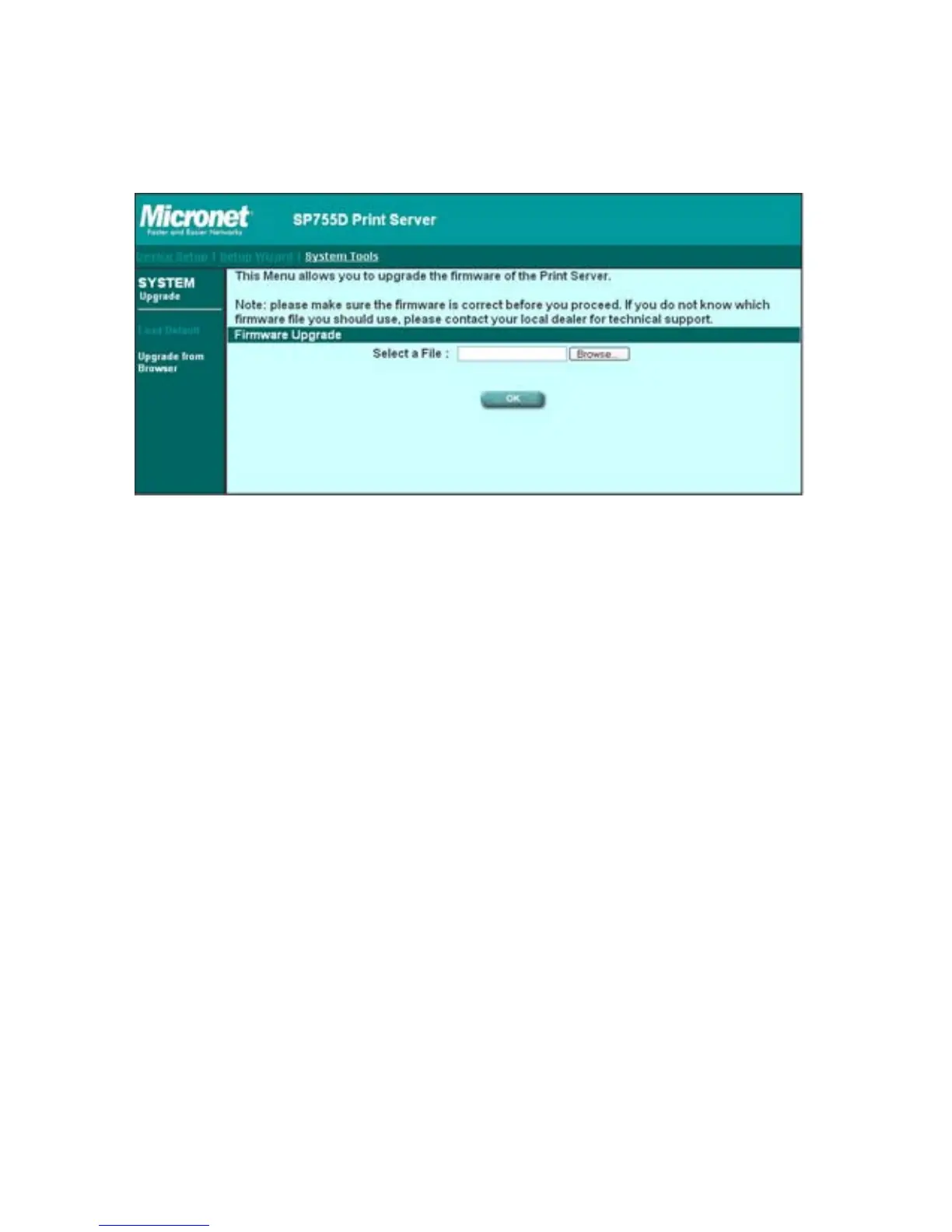
You can upgrade new firmware for this print server in this page. Click
“Browse” to select the new firmware in your storage and then click “OK”,
the firmware will be updated in several minutes.
Be aware that if you have started upgrading firmware, you have to follow
all the upgrading steps or the print server can’t turn back to normal
configuration.



 To Next Page