88
10. Windows XP SP2 Setup
In Windows XP SP2, XP SP2’s firewall would block the unknown
communications. This print server has allowed the communications data
passed through the XP SP2’s firewall.
In case that you do not find any print server listed on the “Available
Ports” in “Network Ports Quick Setup”, please follow the steps below.
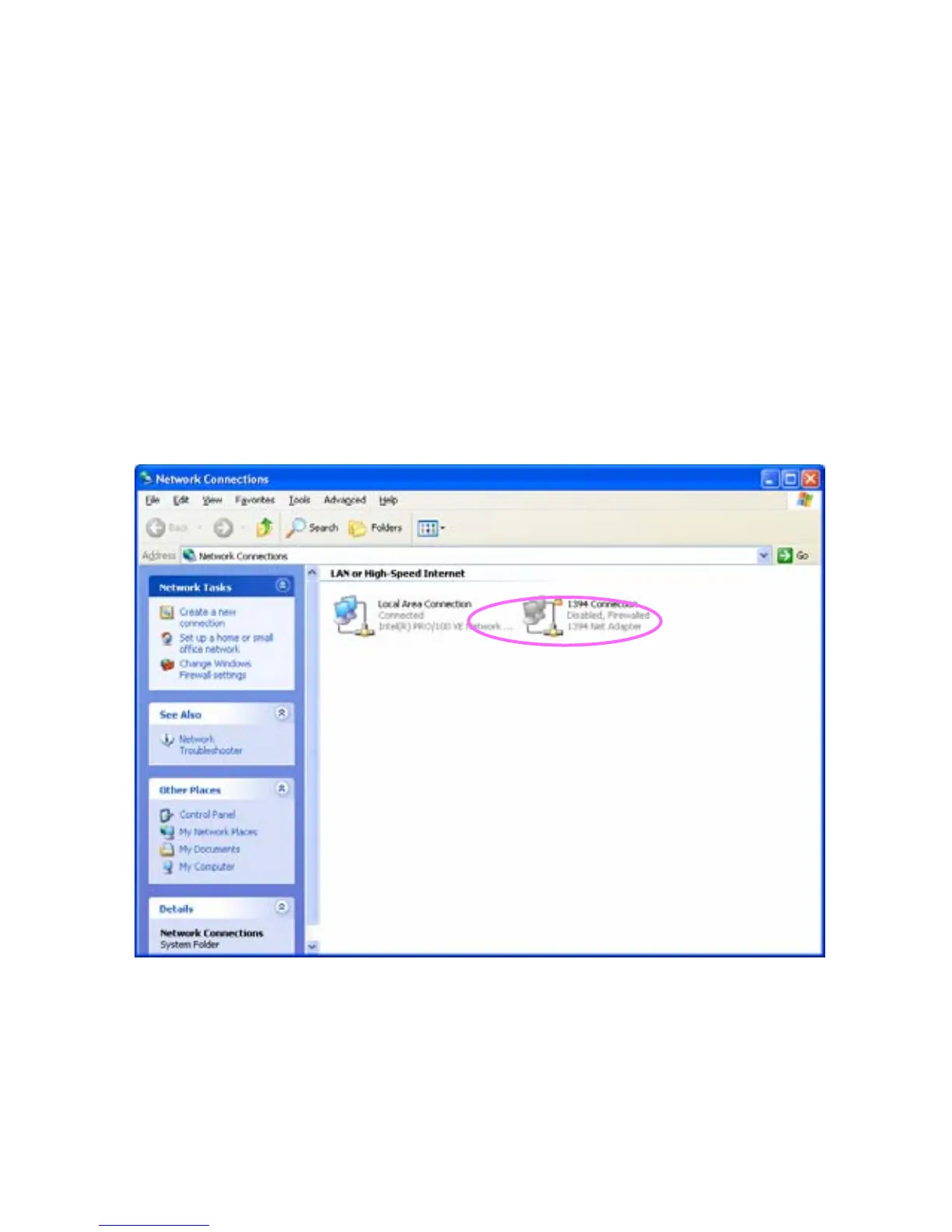
Step1. Click “Start”, choose “Settings” and select “Network
Connections”.
Step2. Right click “Local Area Connection” and select “Properties”.



 To Next Page