19
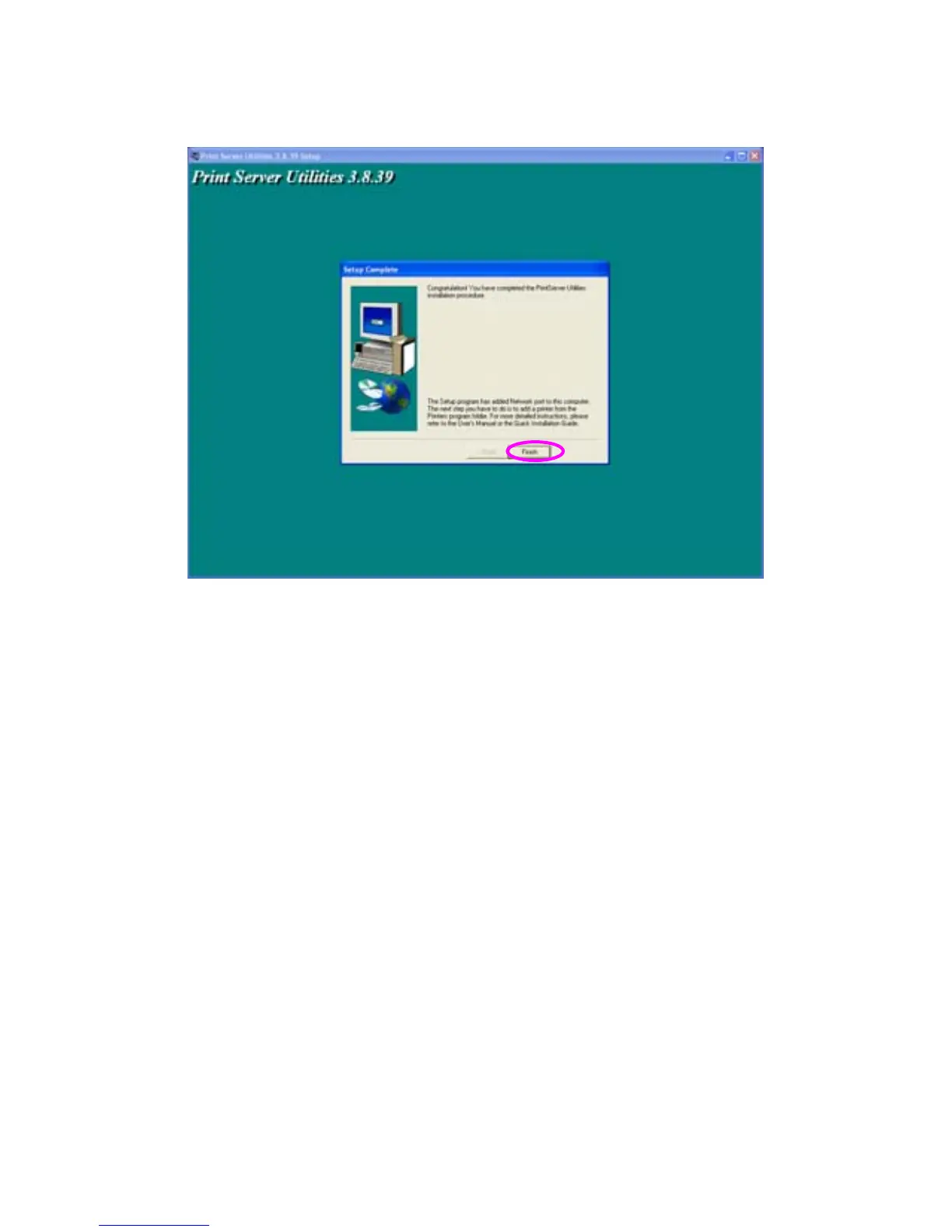
The Administrator Installation procedure is totally completed. Click “Finish”.
The Administrator Installation Program have executed the installation
procedure that performs the following tasks:
Install all utilities and drivers to the administrator’s PC.
Configure the print server (including the print server name and network
protocol)
Add the network port of the print server to the administrator’s PC.
If you want to print from this administrator’s PC to the print server, all you
need to do is to perform Windows’ standard “Add Printer” procedure
(please refer to Section 3.6).



 To Next Page