18
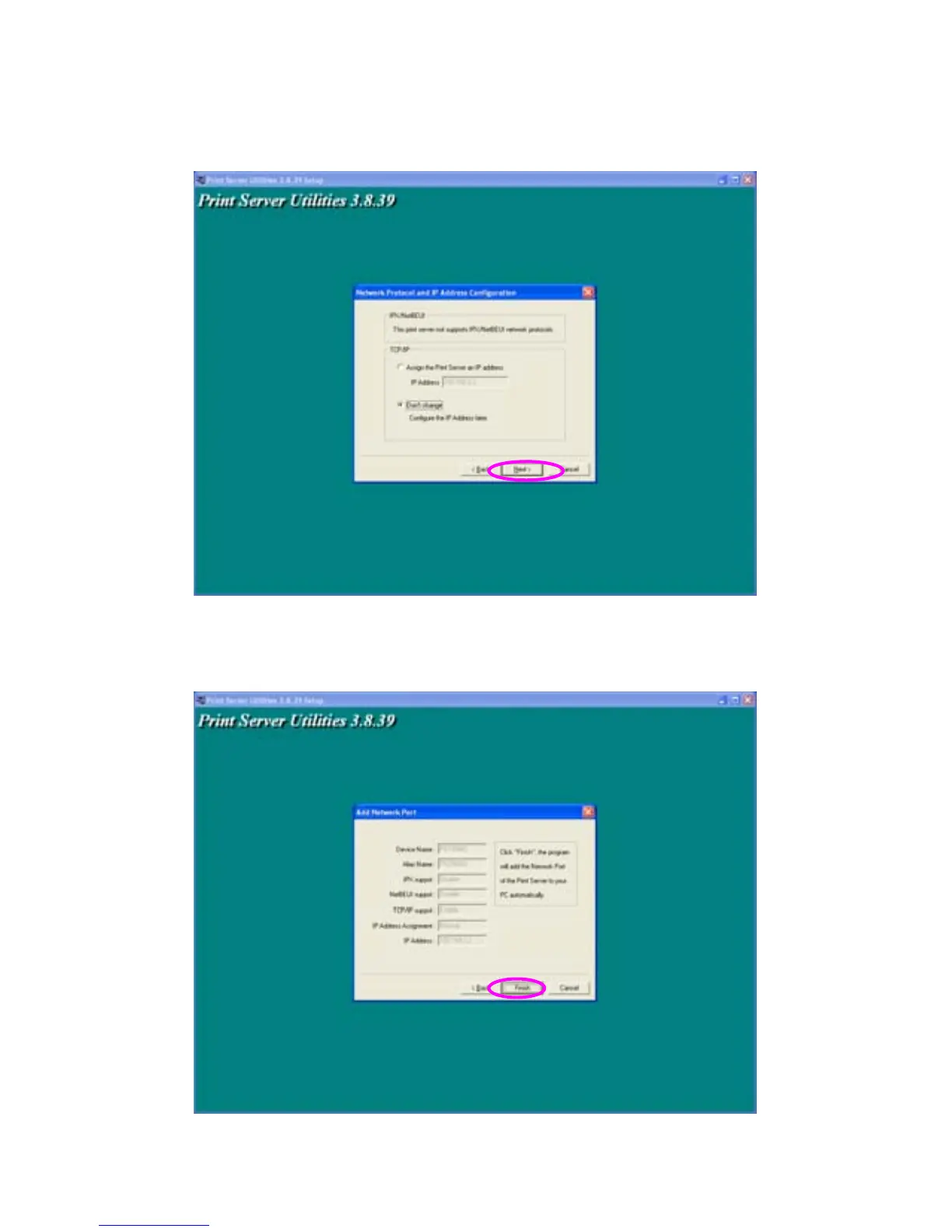
Specify the IP Address for the Print Server manually or click “Next” to
keep default IP Address, i.e. 192.168.2.2.
The configuration summary is displayed in the window. Now, you have
completed the “Print Server Setup”. Click “Finish” and your system will
add network port of the Print Server to your PC automatically.



 To Next Page