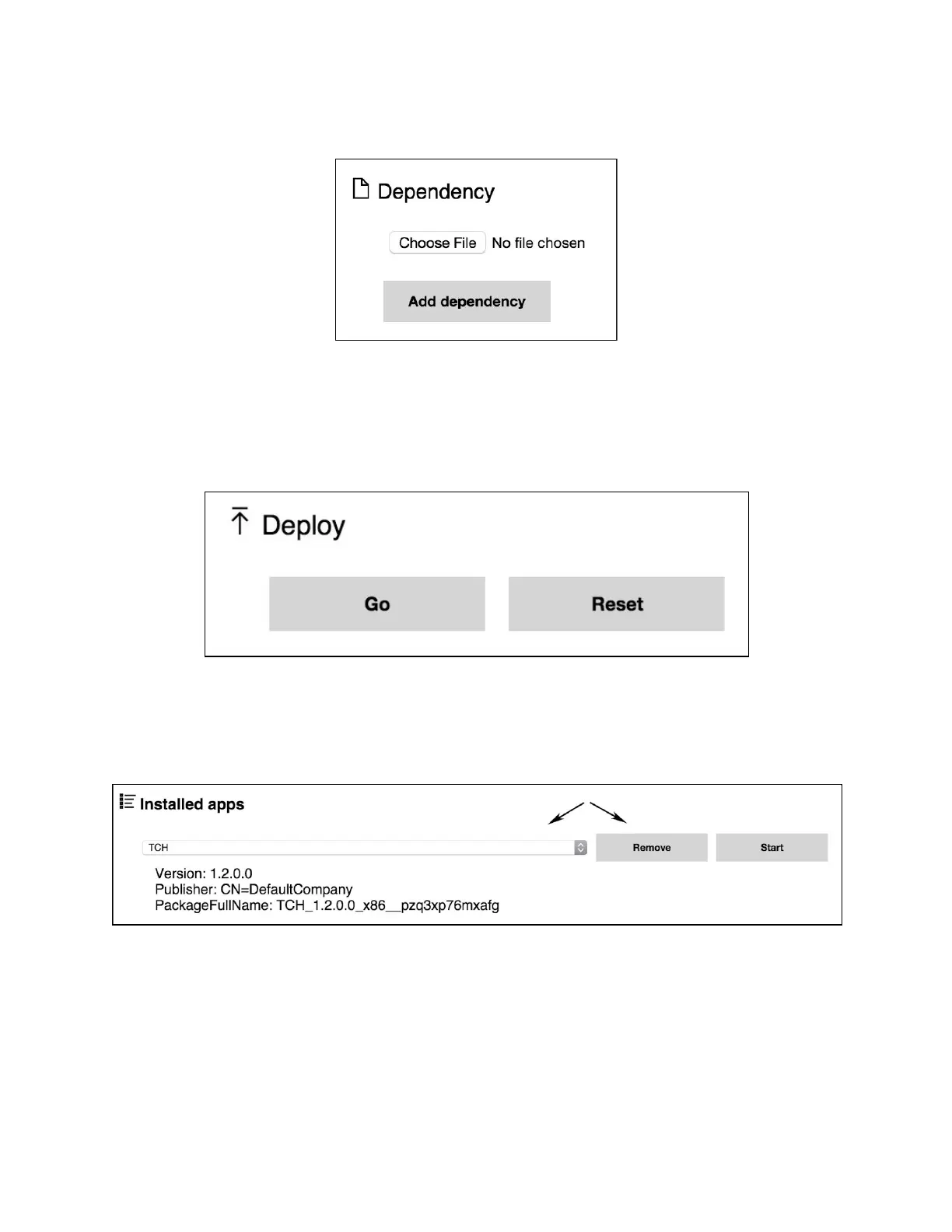
4. Select ‘Choose File’ and locate the dependency (.appx) on your computer:
5. Repeat steps 3 and 4 for each dependency that needs to be installed.
6. Click ‘Go’ under the ‘Deploy’ header to install the application and its dependencies to the
HoloLens device. A progress bar will display below the ‘Deploy’ button to inform when
the installation is complete.
Removing Applications
To remove an app from the device, select it from the ‘Installed Apps’ list and click ‘Remove’.


 To Next Page