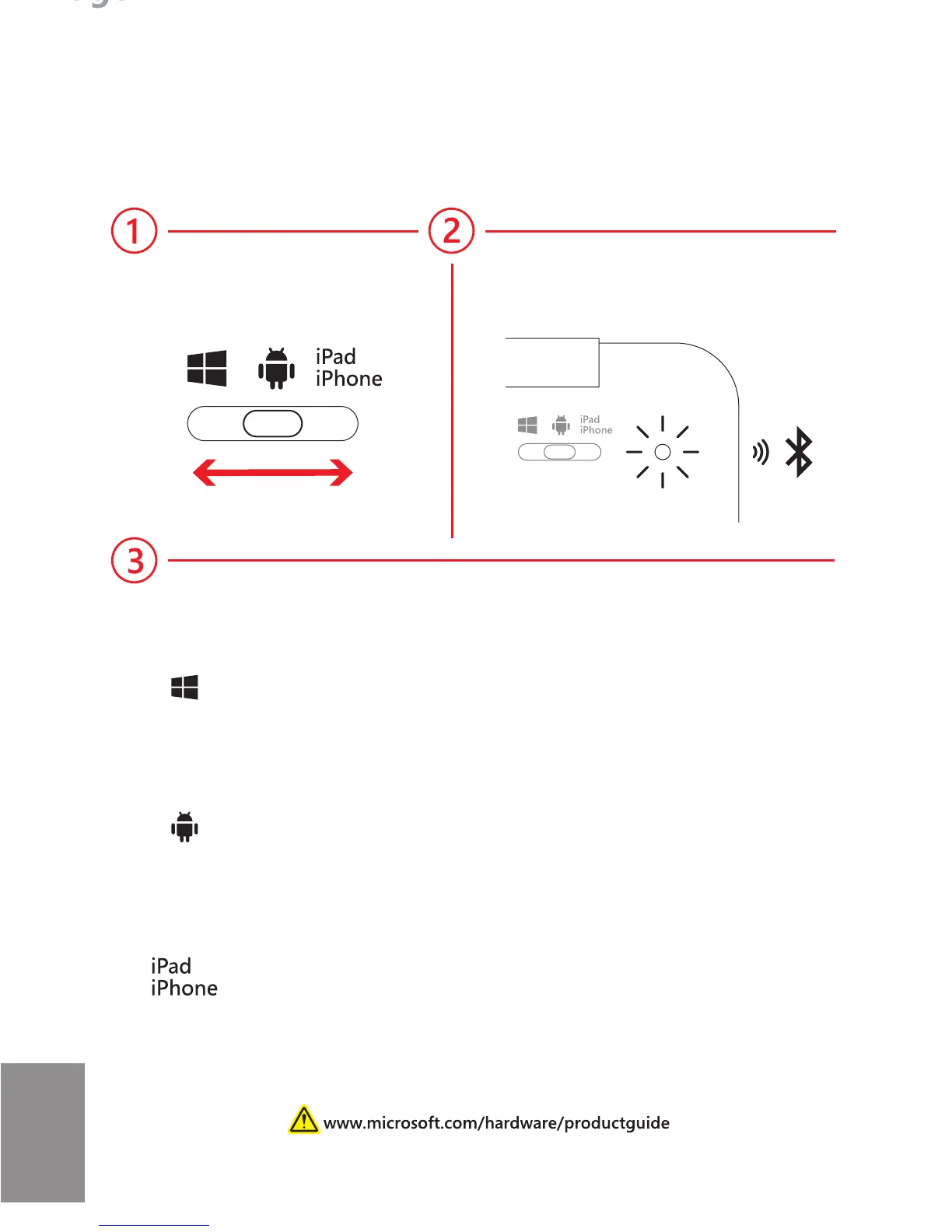
Set up
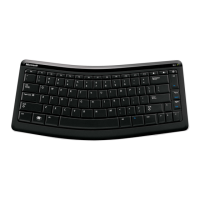
Pair your Universal Mobile Keyboard with your device:
Windows
a. Settings > Change PC Settings > PC and Devices >
Bluetooth
b. Select “Universal Mobile Keyboard” and enter passkey
Android
a. Search for Bluetooth devices
b. Add “Universal Mobile Keyboard” and enter passkey
Apple iOS
a. Settings > turn on Bluetooth
b. Select “Universal Mobile Keyboard” and enter passkey
Auto pairing modeChoose OS mode
Page 2
EN



 To Next Page