10
english
SET UP STORAGE
With the Xbox 360 4 GB internal memory
unit, you can save games and other media
and sign in to Xbox LIVE. Your Xbox 360
system also supports the Xbox 360 Hard
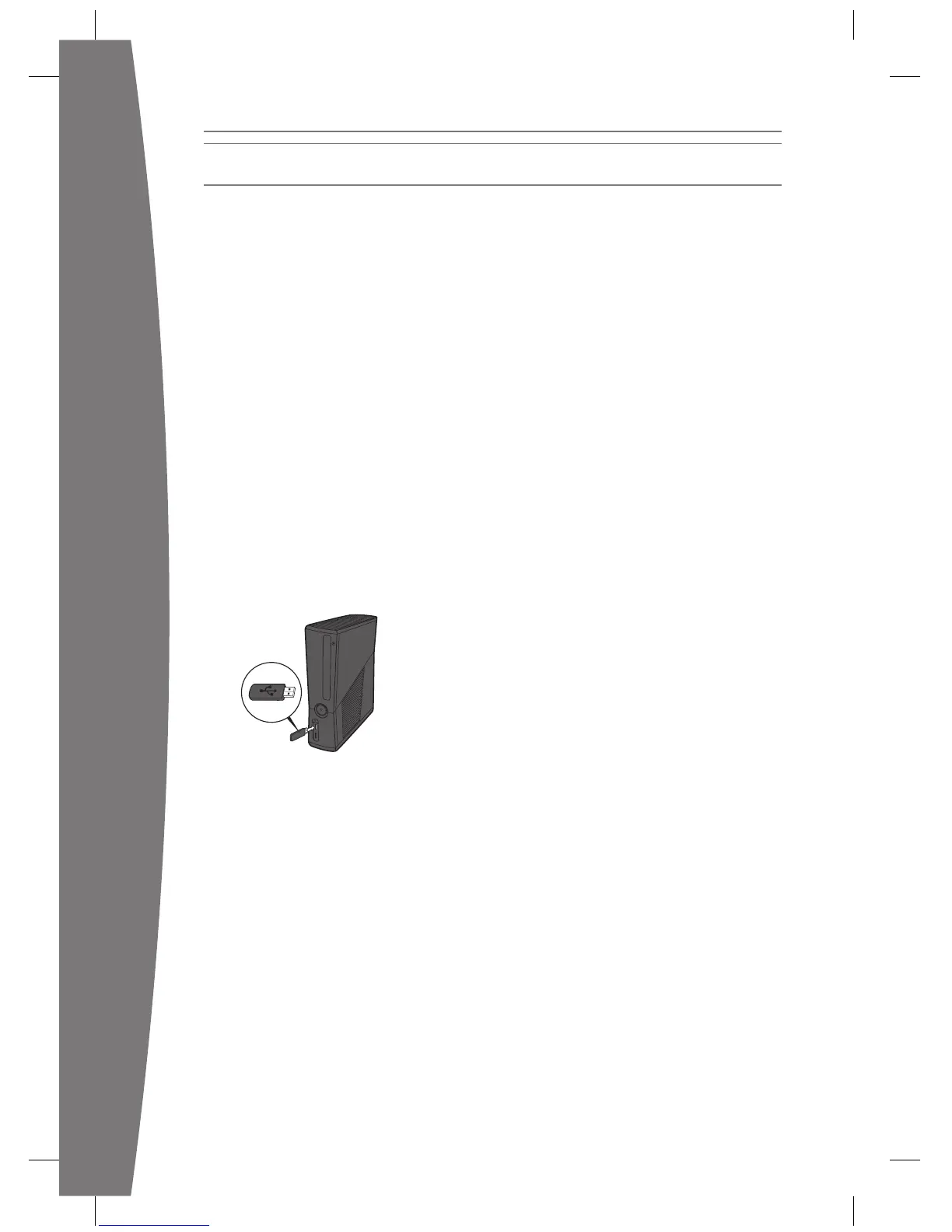
Connect a USB Flash Drive or Other
Storage Device
For portable storage, connect a 1-GB or
device containing a hard drive (a portable
music player, for instance). When you save a
game or media, you’ll have the option to
Xbox storage.
NOTE
Not all USB storage devices are fast enough
to be supported by Xbox 360. Xbox
device to determine whether it is supported.
Up to 16 GB of space on a USB storage
storage.
Transfer Content
If you already have content on a hard drive
that you won’t be connecting to your new
and saved games.
A new Xbox 360 Hard Drive is recommended
to fully transfer all licensed content, such as
games, to your new console. Visit www.xbox.
com/support for more information about
transferring your content with the Xbox 360
Hard Drive Transfer Kit.
NOTE
You cannot use original Xbox 360 memory
units or hard drives with this version of the
Xbox 360 console.

















 To Next Page