12
english
SET UP YOUR HOME NETWORK
To play on Xbox LIVE and share media with a
Windows PC, your Xbox 360 console should
be connected to a home network with high-
speed Internet. If you don’t currently have a
home network, visit www.xbox.com/support
to check out your options.
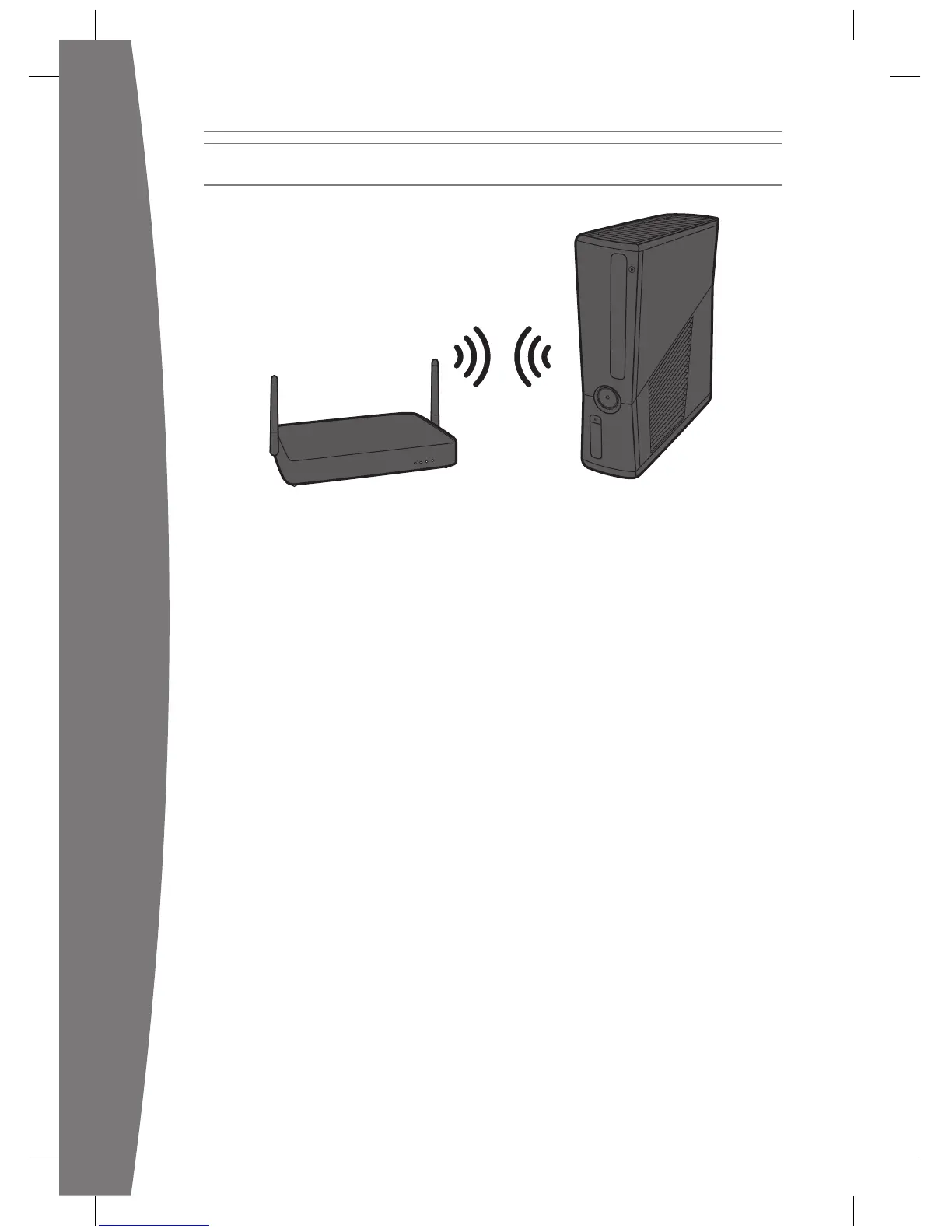
Your Xbox 360 has integrated wireless
networking built in, allowing a wireless
connection between your console and your
wireless networks. Or you can connect to a
network with an Ethernet cable (sold
separately).
For other supported networking options,
including Ethernet wired networks, visit
www.xbox.com/support.
To connect your console to a wireless
network:
1
router (or other networking device).
2 From the Xbox Dashboard system
and follow the instructions on the screen.
3 Your console will detect and test your
network and proceed through network
settings on the setup screens for your
wireless router. The device documentation
should have instructions for accessing these
screens. For wireless networks set up with
Microsoft Windows Connect Now
console to connect to the network.
If you have trouble connecting, follow the
steps in Troubleshooting later in this manual.

















 To Next Page