Pressing Local restores control to the front panel when the instrument is under GPIB control.
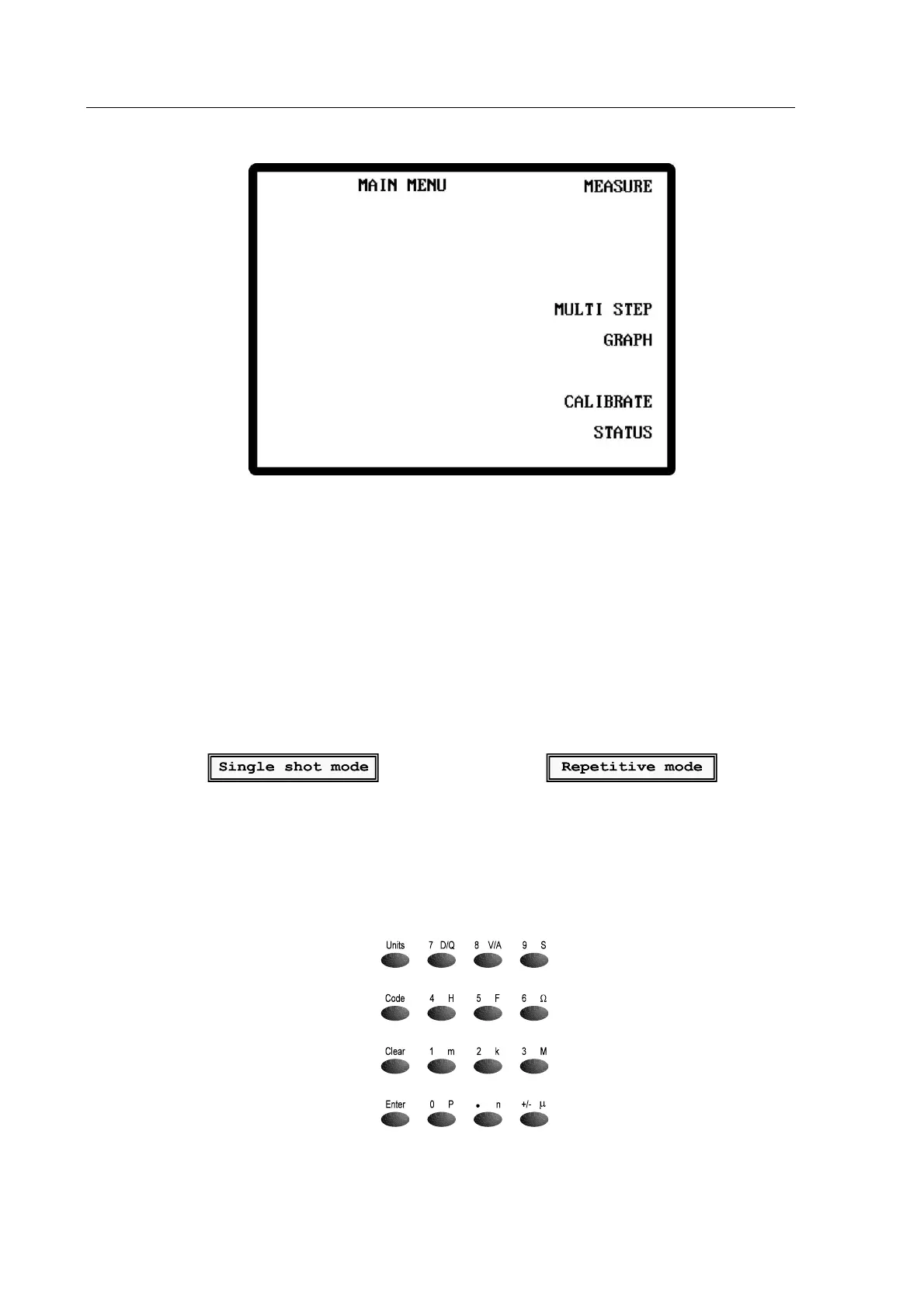
Figure -The 6375 Series Main Menu
Sngl/Rep toggles between Single shot mode and Repetitive mode. When Sngl/Rep is pressed
the display briefly indicates the mode selected as shown in Figure 4-6 and Figure 4-7 below.
Single shot mode is also indicated by the lack of a continuously flashing asterisk (*) in the top
left corner of the screen. Conversely, the presence of a continuously flashing asterisk indicates
that the instrument is in repetitive mode. The asterisk flashes once every time the instrument
makes a measurement.
Figure 4-6 Single Shot Mode
Figure 4-7 Repetitive Mode
When in single shot mode, the Trigger key initiates a single measurement.
4.2.4 The Data Entry Keypad
Figure 4-8 The Data Entry Keypad



 To Next Page