Connecting to Other Composite
(TV-out) Video Sources
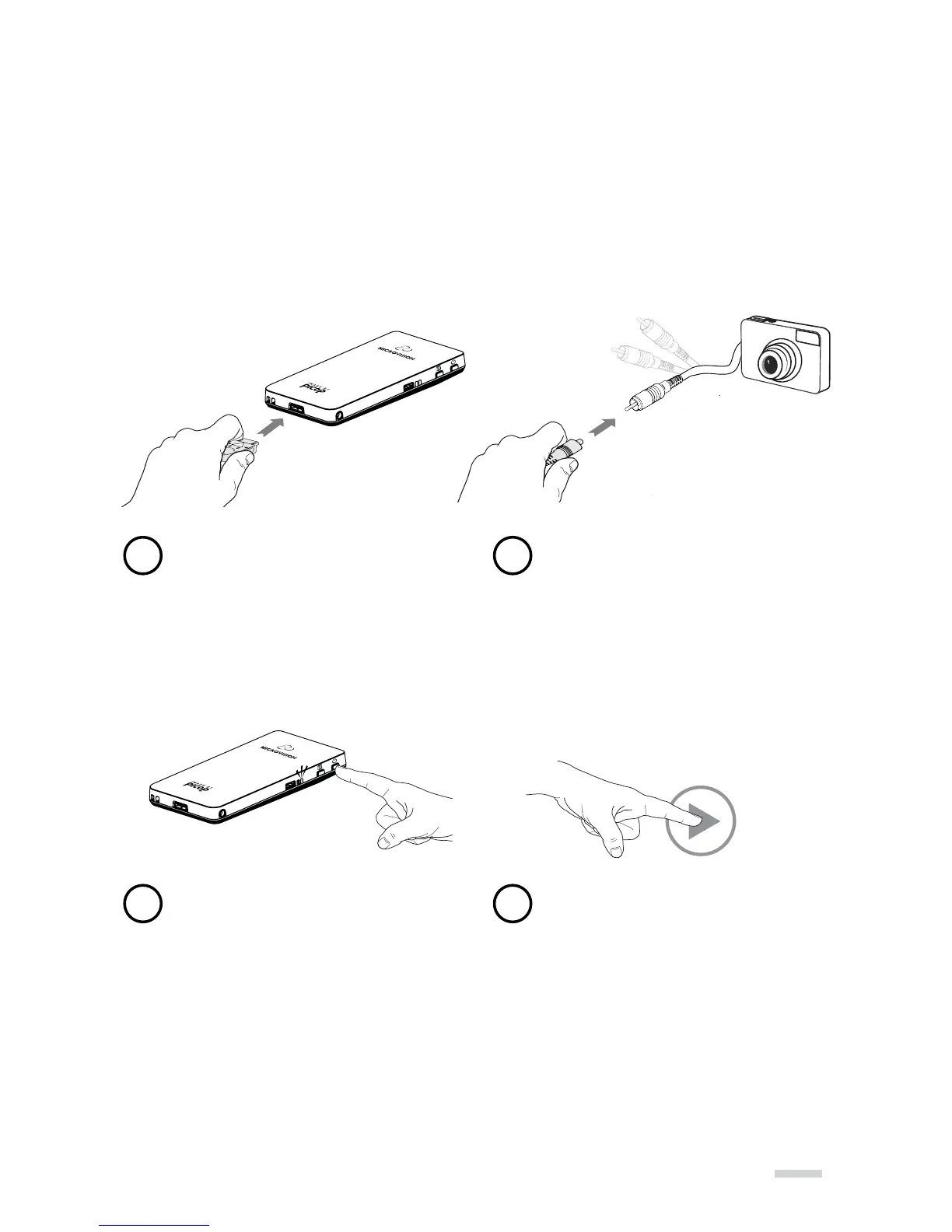
The SHOWWX+ can connect to other video sources that have Composite (TV/Video-Out)
using the included Composite adapter. To display content, make sure the source device
has TV/Video-Out set to “ON” or “Enabled”. To learn if your video source device is capable
of TV/Video-Out and how to enable, refer to its User Guide.
13
Connect the adapter to the projector
Power on the projector
Connect the Composite adapter
to the yellow video RCA connector
that is connected to your
TV-out device
Enable video out from source
device and play video
1
3
2
4



 To Next Page