Semi-Lit
Home / Office
Semi-Dark
Dimmed Lighting
Note:
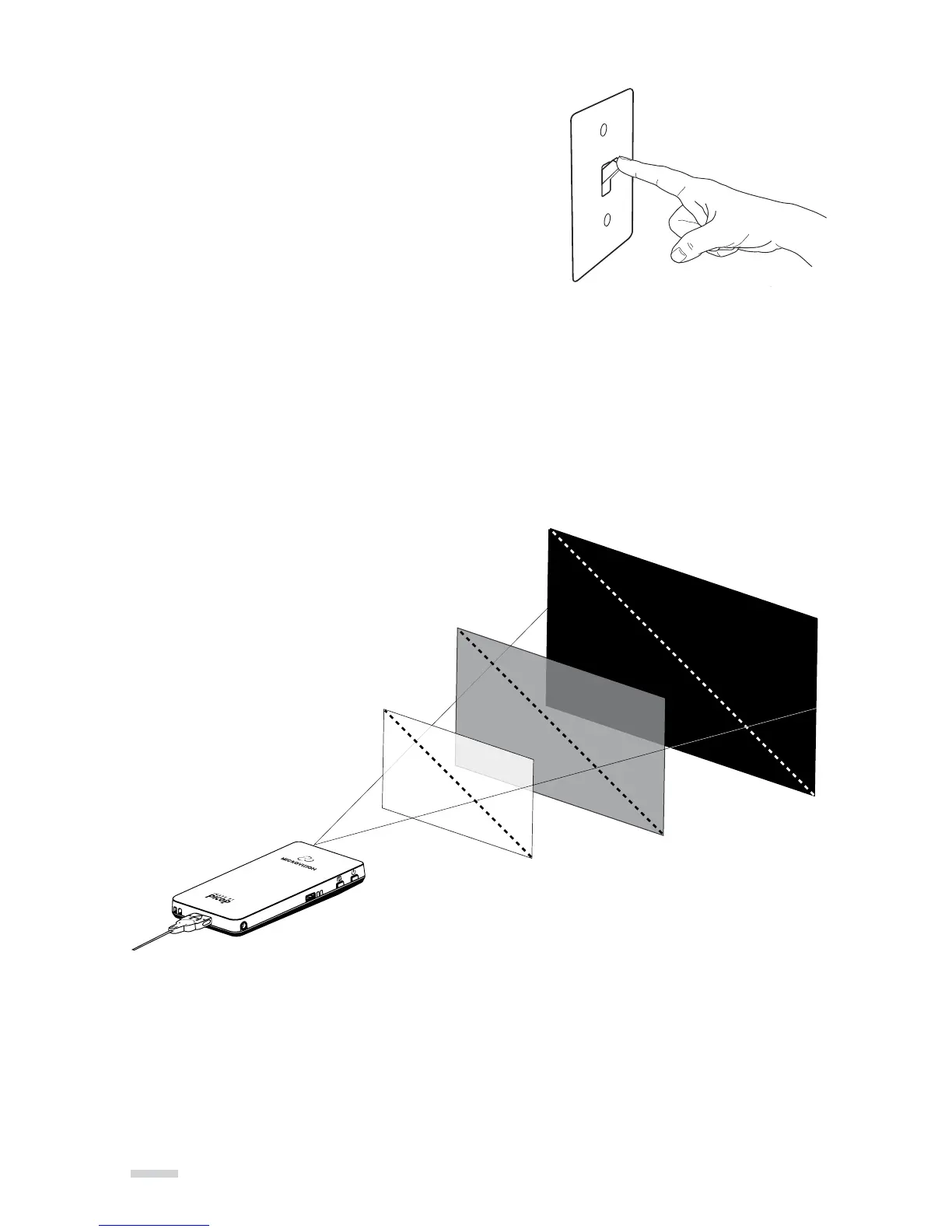
Image diagonal is approximately equal to the distance from the projector to the screen.
There are two main factors to consider when using
the SHOWWX+.
Ambient light
» It is recommended to shut blinds, close curtains
and turn lights down to make the room dark
so the projected image looks the best.
Distance from screen
» The projector distance from the screen will impact
the appearance of the image brightness.
The closer to the screen the brighter the image will appear.
Complete Darkness
<12”
24”-36”
70”-100”
Usage Guidelines
The following is a guideline of what image sizes are possible under
various lighting conditions:
14



 To Next Page