DIGITAL PROPORTIONAL R/CSYSTEM
www.microzone.cn
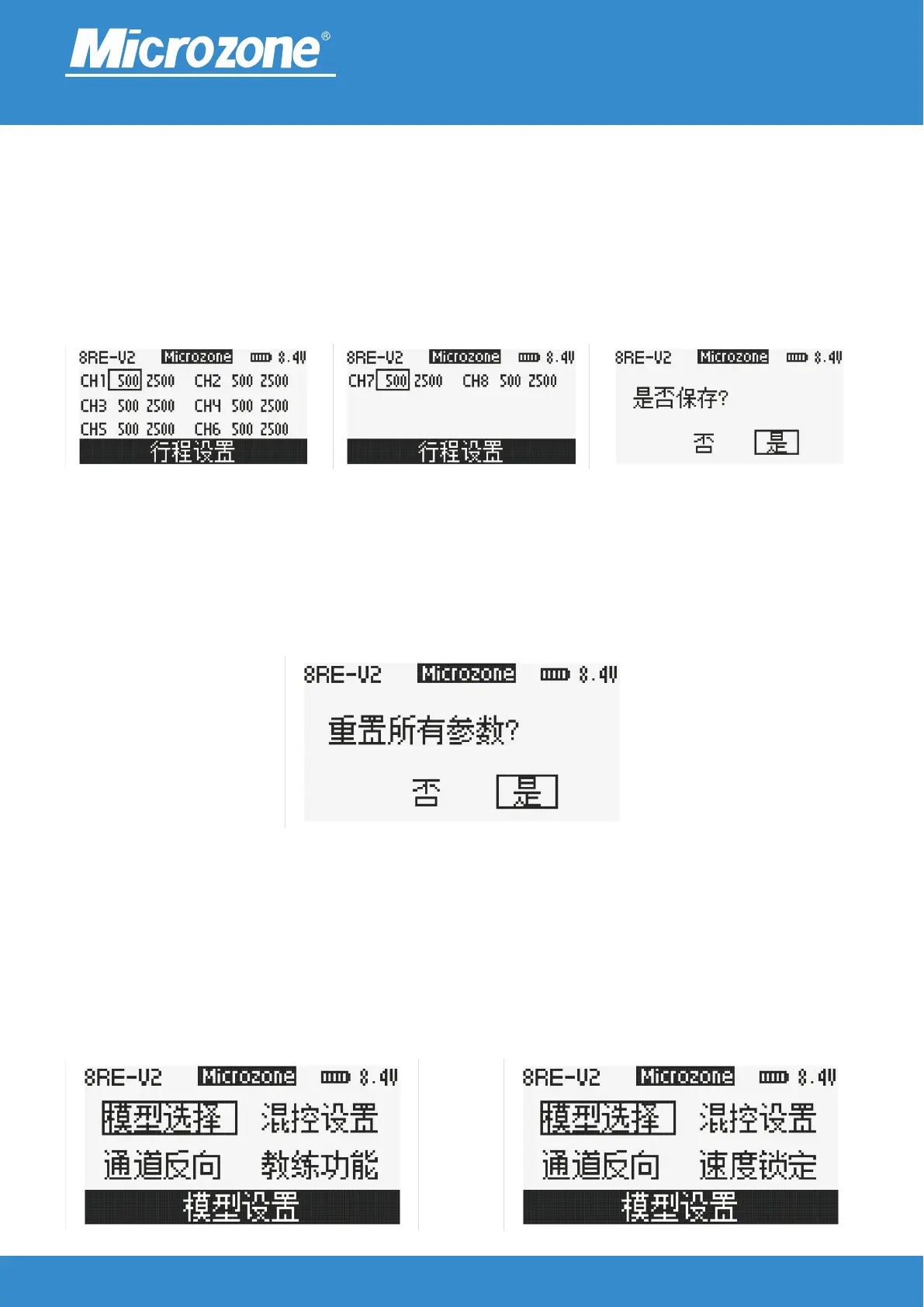
Trip setting:
Use to limit the range of motion of the servo face to ensure that the servo face moves only within your
desired servo range; Press the <UP> key or <DOWN> key to select the corresponding option, press the
<MENU> key, and then press the <UP> key or <DOWN> key to adjust the range amount, (press the
<MENU> key again, press the <EXIT> key, and then press the <UP> key or <DOWN> key to select <YES>,
and then press the <MENU> key to finish) or (press the <EXIT> key twice, and then press the <UP> key or
<DOWN> key to select <YES>, and then press the <MENU> key to finish).
Restore Out:
All settings can be reset to go back to the original settings; Press the <UP> key or <DOWN> key to select
<YES> and press the <MENU> key to finish.
2.4GHz
FHSS
Model setting:
Press <MENU> on the main screen, press <UP> or <DOWN> to select Model Setup, then press <MENU> to
enter Model Setup.
Fixed wing, multi-axis model settings
Car and boat model settings



 To Next Page