Manual Number 9019161 Revision C, August 18, 2023 23
4.4.1.3 INFO
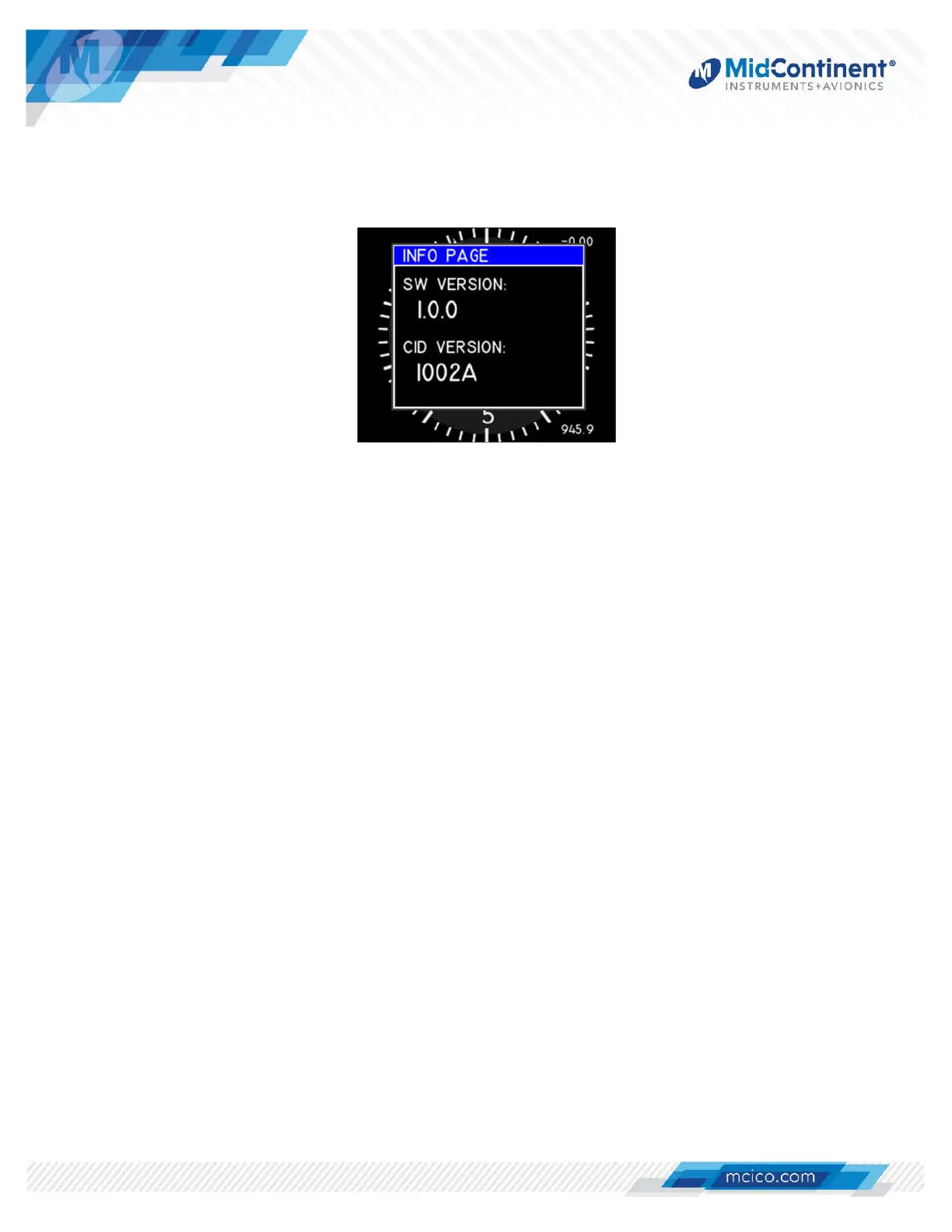
While in Flight Mode, the Info menu is available to the pilot or cockpit crewmembers. It offers
read-only information regarding the current software version and CID version. Pressing the
Control Knob will revert to the active display. (Figure 4.5)
Figure 4.5 Info Menu
4.4.1.4 EXIT
The Exit action allows the user to manually close the Options Menu and return to the active
display. There are no selectable options. The Options Menu or any function within it will also
close automatically after five (5) seconds of inactivity and return to the active display.


 To Next Page