Manual Number 9019161 Revision C, August 18, 2023 28
4.5.2 UPDATE
The Update action initiates a search on an USB flash drive installed in the USB Program
Port on the rear of the unit. (Figure 3.3) Step-by-step instructions on performing an update
can be found in Section 5.
The unit will search for a standard file name on the USB flash drive that represents either
the unit operating software or a CID file. If a USB device is not detected, a valid update file
is not found, or the update file already matches the loaded data, an error message will
appear. Acknowledgement by pressing the Control Knob will revert to the Configuration
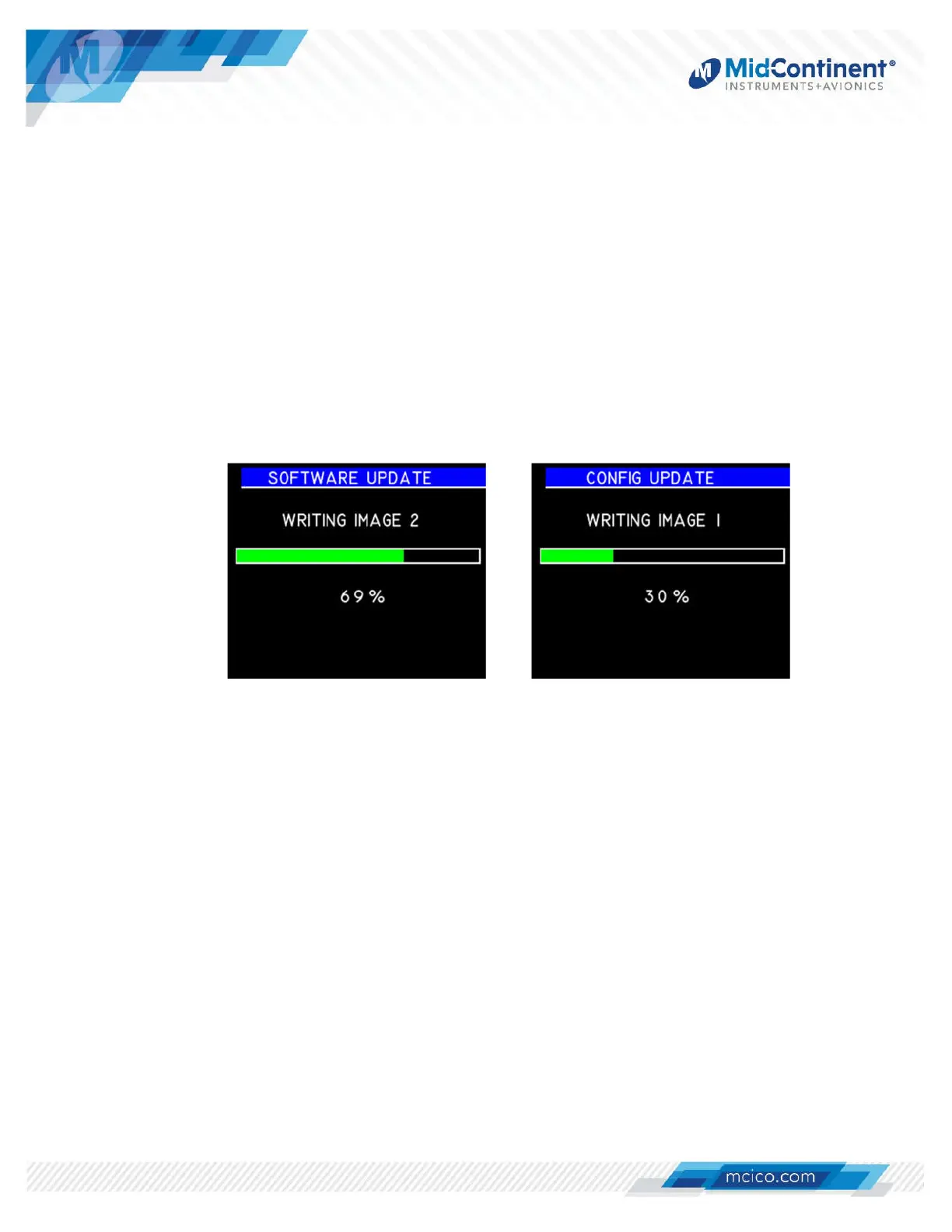
Menu. If a valid update file is detected, an update progress screen will appear. If both a
system software update and CID update are found on the USB drive, the unit will update
both, in sequence. (Figure 4.10) If successful, the unit will reboot automatically and return to
the Pre-flight Mode, followed by entering Flight Mode. The new unit software and CID
versions can be verified on the introduction screen or in the Info page from the Options
Menu.
Figure 4.10 Update Function


 To Next Page