Manual Number 9019161 Revision C, August 18, 2023 29
4.5.3 USER CONFIGURATION
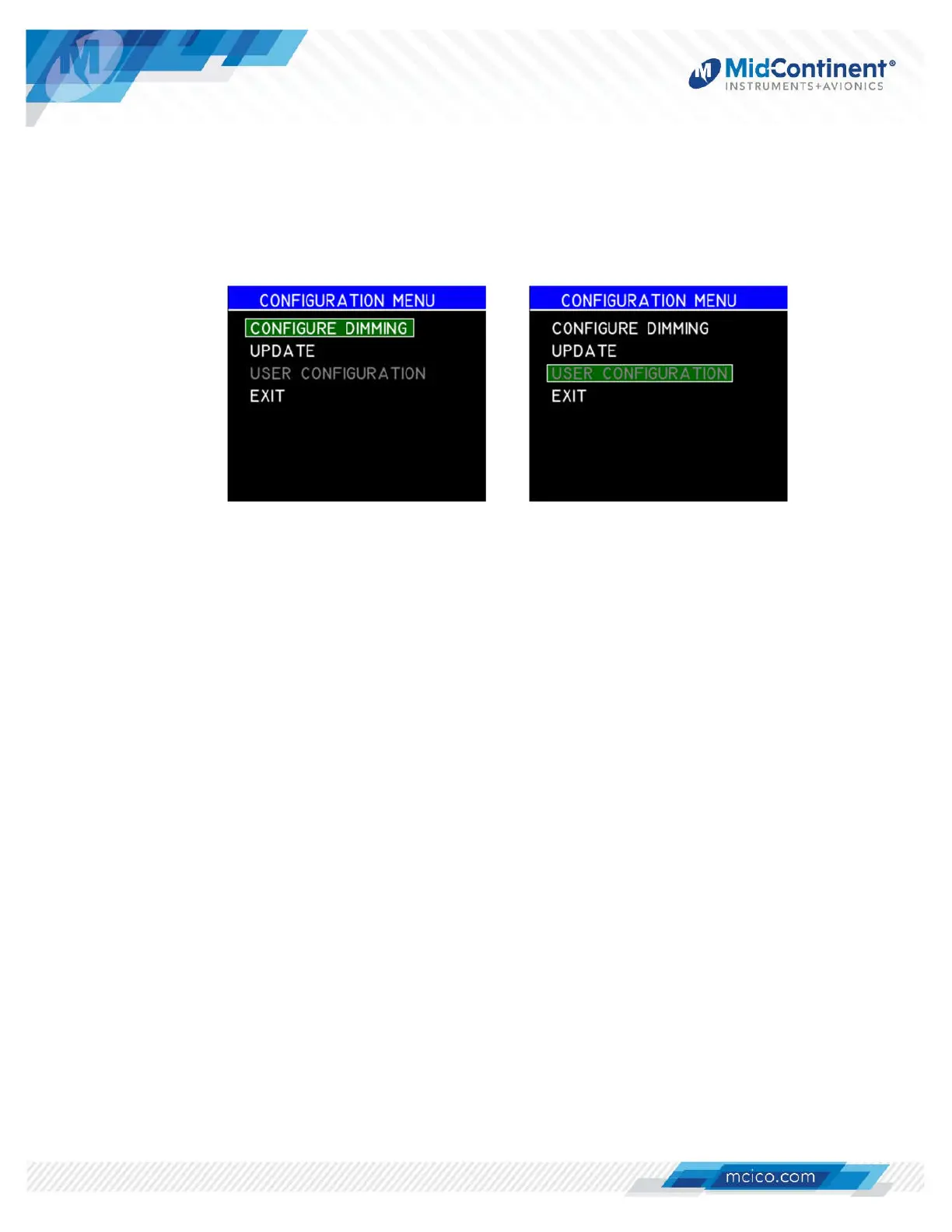
The User Configuration Menu provides selectable options associated with the loaded CID that are
intended to be configured during installation. It is only available and active if the specific design of
the CID includes it (and gray/unavailable otherwise). See the applicable User Guide associated
with the loaded CID for specific details. (
Figure 4.11)
Figure 4.11 User Configuration
4.5.4 EXIT
The Exit action allows the user to manually exit Configuration Mode, reboot the unit, and
return to Pre-Flight Mode, followed by Flight Mode. There are no further selectable options.
Power cycling the unit will also exit Configuration Mode.


 To Next Page