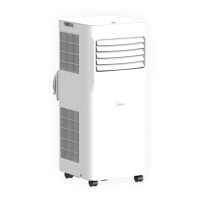
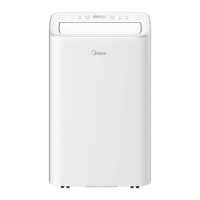
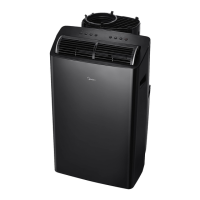
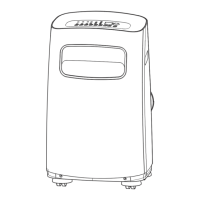
APP INSTRUCTIONS (FOR MAP06R1BWT ONLY)
35
App Instructions
(For Map06r1bwt
Only)
3 Using the SmartHome App
Ensure that your mobile phone is connected to the wireless network. Bluetooth must
be turned on. The device must also be powered up.
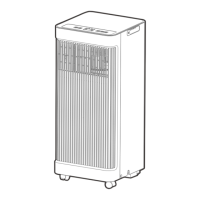
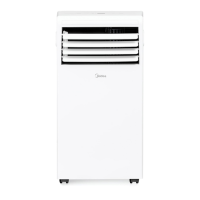
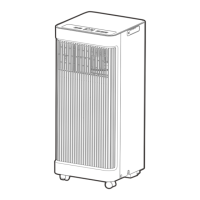
Unit Model: MAP06R1BWT
Wireless Module Model: US-SK105
Antenna Type: Printed PCB Antenna
Frequency Band: 2400 - 2483.5MHz
Operation Temperature: 0° - 45°C / 32° - 113°F
Operation Humidity: 10% - 85%
Power Input: DC 5V / 500mA
Maximum TX Power: < 20dBm
1 Specification
• App Compatibility:
- The app is available for both iOS and Android, however older versions may no longer
be compatible. Please keep the app updated with the latest version. Midea makes no
guarantee of compatibility and is not responsible for issues arising as a consequence
thereof.
- The app is subject to updates without prior notice for product function improvement.
• Wireless Security:
- The Smart Kit supports the following security protocols:
WPA-PSK / WPA2-PSK / WPA3-SAE
- It may be used with or without encryption although encryption is strongly recommended.
• Configuration:
- The actual network configuration process may vary slightly from the manual.
- Please check the service website for more information.
• Connectivity:
- Network issues may occasionally cause timeouts. The unit display and the app may
become unsynchronized but this will resolve itself when the network is restored.
- Should the network remain unavailable, it might be necessary to run the configuration
process again.
- Change in the wireless network will require reconfiguration of the device.
2 Precautions



 To Next Page