22
Maintenance
This feature can be activated from the remote control
ONLY. To activate SLEEP feature, the set temperature
will increase(cooling) or decrease(heating) by 1°C/2°F
(or 1°F) in 30 minutes. The set temperature will then
increase(cooling) or decrease(heating) by another 1°C
DO NOT operate the unit without filter because
dirt and lint will clog it and reduce performance.
NOTE: Be sure to store the unit in a cool, dark place. Exposure to direct sunshine or extreme heat can
shorten the lifespan of the unit.
NOTE: The cabinet and front may be dusted with an oil-free cloth or washed with a cloth dampened in
a solution of warm water and mildliquid dishwashing detergent. Rinse thoroughly and wipe dry. Never
use harsh cleansers, wax or polish on the cabinet front. Be sure to wring excess water from the cloth
before wiping around the controls. Excess water in or around the controls may cause damage to the
unit.
•
•
•
•
Always unplug the unit before cleaning or servicing.
DO NOT use flammable liquids or chemicals to clean the unit.
DO NOT wash the unit under running water. Doing so causes electrical
danger.
DO NOT operate the machine if the power supply was damaged during
cleaning. A damaged power cord must be replaced with a new cord from the
manufacturer.
•
•
•
•
•
Drain the unit’s water collection tray according to the instructions in the
following section.
Run the appliance on FAN mode for 12 hours in a warm room to dry it and
prevent mold.
Turn off the appliance and unplug it.
Clean the air filter according to the instructions in the previous section. Rein-
stall the clean, dry filter before storing.
Remove the batteries from the remote control.
Maintenance Tips
•
•
•
Be sure to clean the air filter every 2 weeks for
optimal performance.
The water collection tray should be drained
immediately after P1 error occurs, and before
storage to prevent mold.
In households with animals, you will have to
periodically wipe down the grill to prevent
blocked airflow due to animal hair
/2°F (or 1°F) after an additional 30 minutes. This new
temperature will be maintained for 7 hours before it
thermostat allowing for the precise temperature
control at its location. To activate the Follow Me/Temp
Sensing feature, point the remote control towards the
unit and press the Follow Me/Temp Sensing button.
The remote control will send this signal to the air
conditioner until press the Follow Me/Temp Sensing
button again. If the unit does not receive the Follow
Me/Temp Sensing signal during any 7 minutes interval,
the unit will exit the Follow Me/Temp Sensing mode.
Safety Precautions
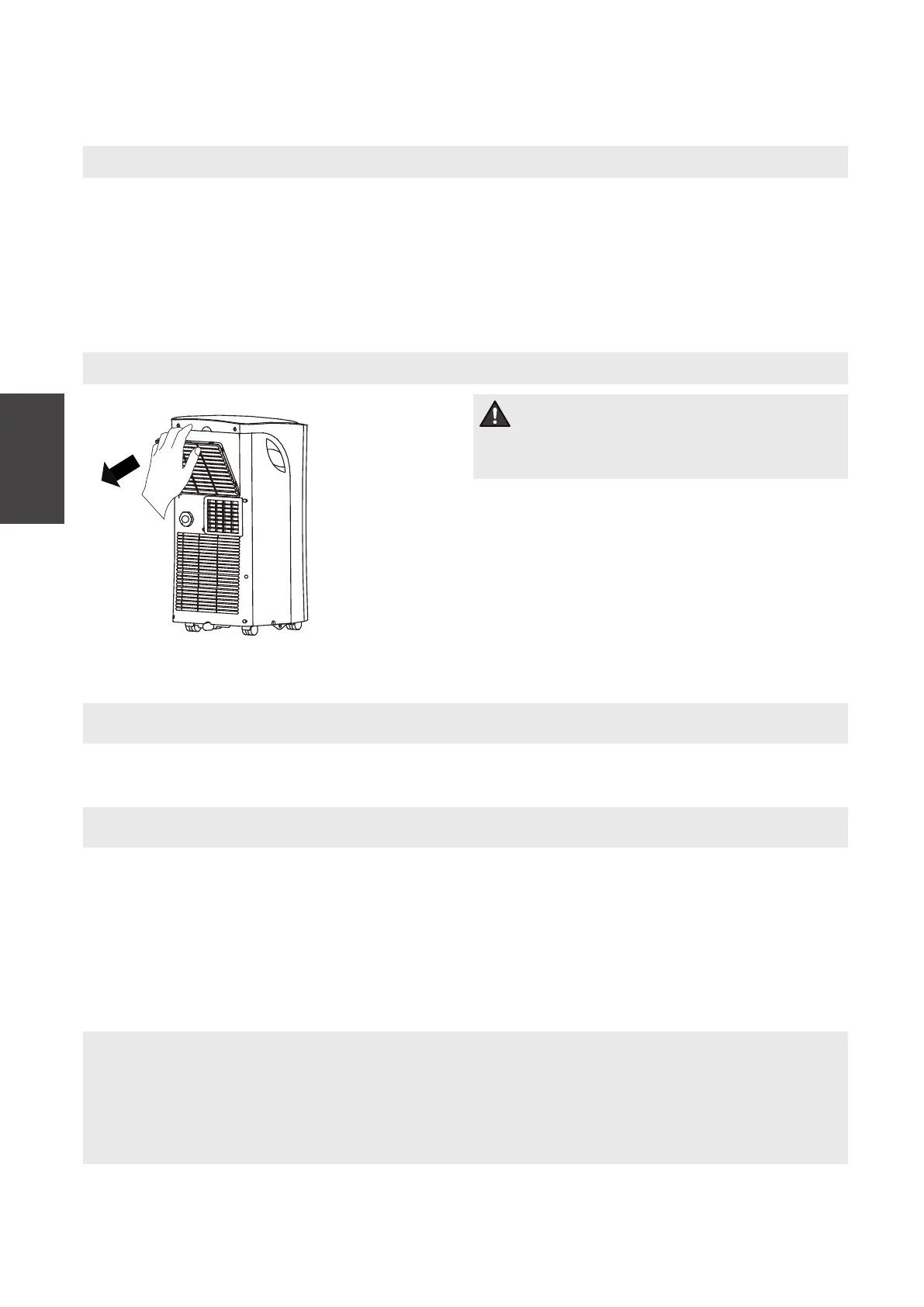
Air Filter Cleaning
Unit Cleaning
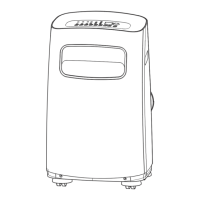
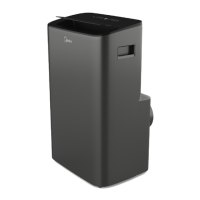
Clean the unit using a damp, lint-free cloth and mild detergent. Dry the unit with a dry,
lint-free cloth.
Store the unit when not in use
MAINTENANCE
Remove the air filter
Air filter
(take out)
CAUTION



 To Next Page