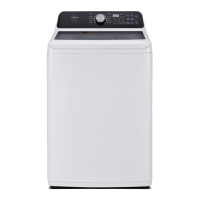
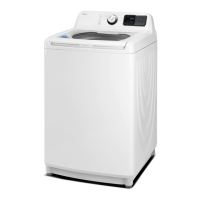
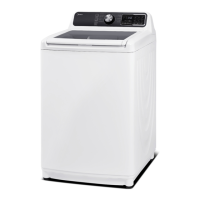
Service manual for Washing Machine
-------------------------------------------------------------------------------------------------------------------------------------------------------
- 9 -
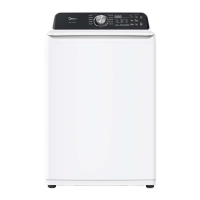
4. Digital display
The initial display is the total time for the cycle you select. While your washer is running, the display shows
the cycle process and time remaining in the cycle.
5.Temp
Press to select the washing water temperature. The rinse water temperature is always cold.
6. Soil Level button
Press to select the soil level. Different soil levels result in different washing times and wash cycle
setting.
7. Control Lock
Press and hold the Soil Level and Water Level buttons at the same time for 3 seconds to turn on the Control
Lock function. Press and hold these buttons again for 3 seconds to turn o the function. When the Control Lock
function is turned on, the only button that works is the Power button and the Soil Level and Water Level
buttons you use to turn o
8. Water Level
Press to select the water level. Different water levels result in different washing times and wash cycle
setting.
9. Fabric Softener
Add liquid fabric softener to the fabric softener compartment, and then press this button. The fabric softener
will be added to the cycle at the correct time.
10. Spin Only/Signal
Press to select the Spin Only. This function will drain water and spin. Press again to cancel.
11. Extra Rinse button
Press to add an extra rinse to the wash cycle. Press again to cancel.
12. Smart Contro
Press smart contro button 3 seconds ,the machine will be connected to the internet on your smart phone, you
can go to the settings and turn on the wireless connection and select an AP (Access Point).
13.Delay button
Press to select a time when you want the cycle to begin.
14. My Cycle
Press and hold for 3 seconds to remember your favorite washing cycle.
Press once to load your favorite cycle settings.
2.2 Cycle guide with option settings


 To Next Page