USING YOUR DISHWASHER
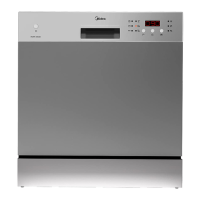
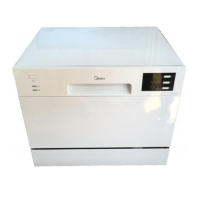
Control Panel
4
Operation (Button)
Power
Press this button to turn on your dishwasher.
1
Program
Select the appropriate washing program, the selected program
indicator will be lit.
2
To start the selected washing program or pause it when the
dishwasher is working.
Start / Pause5
3
Half-load
When you have about or less than 6 place setting dishware to
wash, you can choose this function to save energy and water.(It
can only be used with Intensive, ECO and 90 mins.)
4
Delay
Press the button to set the delay time, corresponding indicator
will be lit.
1 2 3 4 57 68


 To Next Page
 Loading...