Installation Manual Smart Reader Data Logger Wi-Fi Version 2
Midmark and Rier branded M9 and M11 sterilizers are manufactured by Midmark Corporaon of Ohio, USA. MIDMARK, RITTER, M9, and M11 are trademarks of
Midmark Corporaon. Neither Smart Reader nor its data logger products are aliated with or endorsed by Midmark Corporaon in any way.
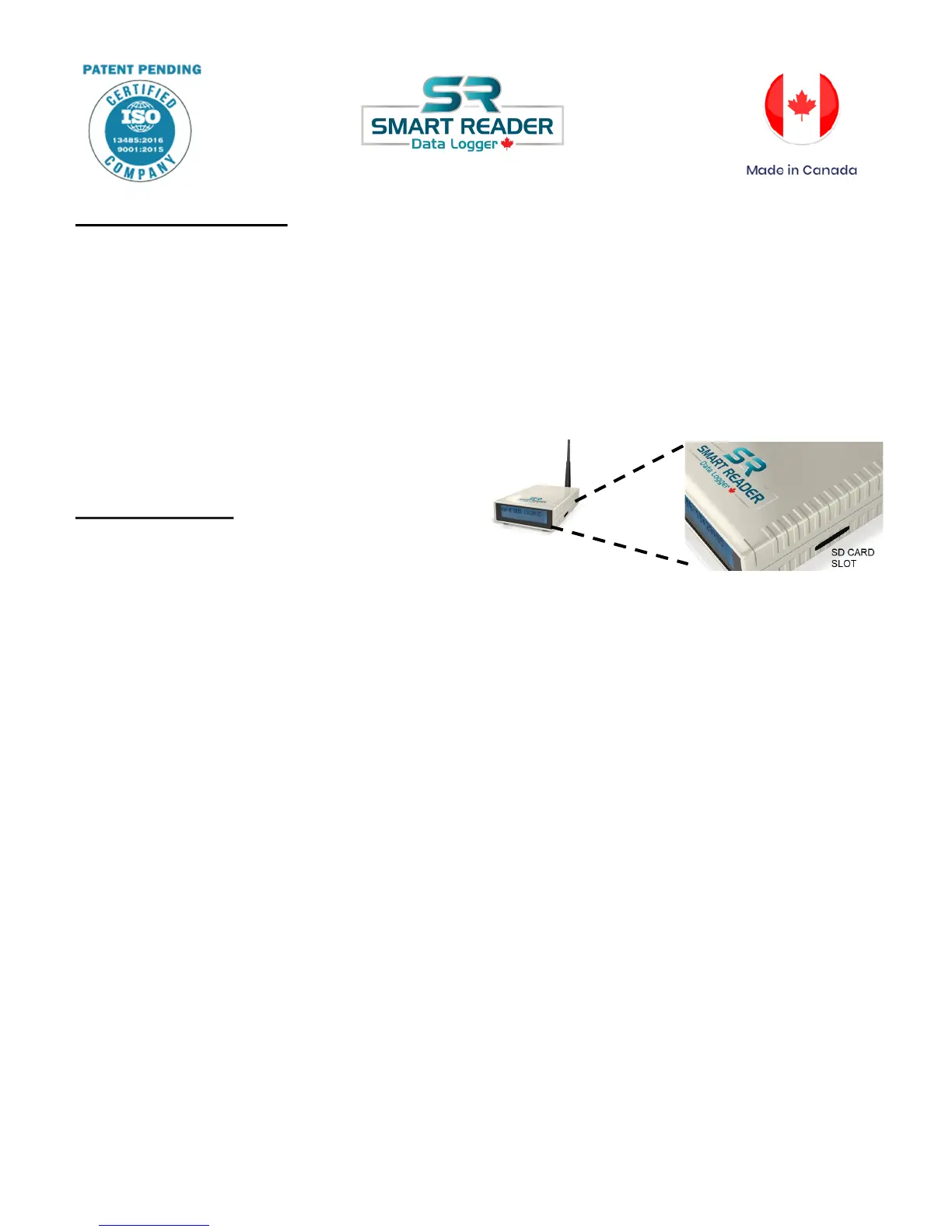
SD Card Information
The SD card is already formatted for use. No action needed.
Please do not remove the SD card from the Smart Reader Data Logger during the install.
Please DO NOT remove SD card during the sterilization cycle. Your data will NOT be saved.
Make backup of the SD card on your computer once a month.
Place the SD card back into the reader after review or print.
View\Print Data
When you have finished a sterilizer cycle and
would like to view or print the data from the SD
card, please follow these instructions.
a. Remove the SD card from the unit.
b. Insert the card into a SD card reader slot on your PC. If you do not have the SD card reader
slot, you can purchase the SD card reader from your electronic department store.
c. When you placed the card into the reader, depending on your system, a folder or information
about the SD card will pop up on your screen.
d. Open the folder and you can view all data from your sterilization cycle. The folder is organized
by year, month and you can see the data cycles as individual text.
e. To print, open the text file by double click. It will open in the notepad.
f. Send to print by clicking on File-> Print. This will open your printer screen.
g. Please do not forget to return the SD card back into the SD card slot on the Smart Reader
Data Logger.



 To Next Page