Accelerator (Altitude control)
Slide the ball of the left joystick up to move the drone up and slide the ball down to move it down.
Turn left / right
Slide the ball of the left joystick to the left to let the drone turn to the left and drag it to the right to
let the drone turn to the right.
Forward / Backward fly
Slide the ball of the right joystick up to fly the drone forward and slide down to fly it backwards.
Left / right sideward fly
Slide the ball of the right joystick left to fly the drone leftward and slide it to the right to fly the
drone rightward.
FLIGHT PREPARATION
First synchronize the drone with the remote control as explained earlier in this manual.
Then connect the smartphone to the drone’s WiFi ad start the Midrone VISION 420 App on the
smartphone. Disable the display of joysticks on the control interface if needed.
You can now control the drone with the remote control and enjoy the video transmission on the
screen of your smartphone.
TROUBLESHOOTING
FLIGHT WITH VIRTUAL JOYSTICK
1. Show virtual joysticks on the control panel (icon 10 in Control Interface is on ON)
2. The virtual joysticks work the same way as the physical joysticks of the remote control.
3. Please move slowly the ball of virtual joysticks for not losing control of the drone.
CONTROL THE DRONE WITH THE REMOTE CONTROL
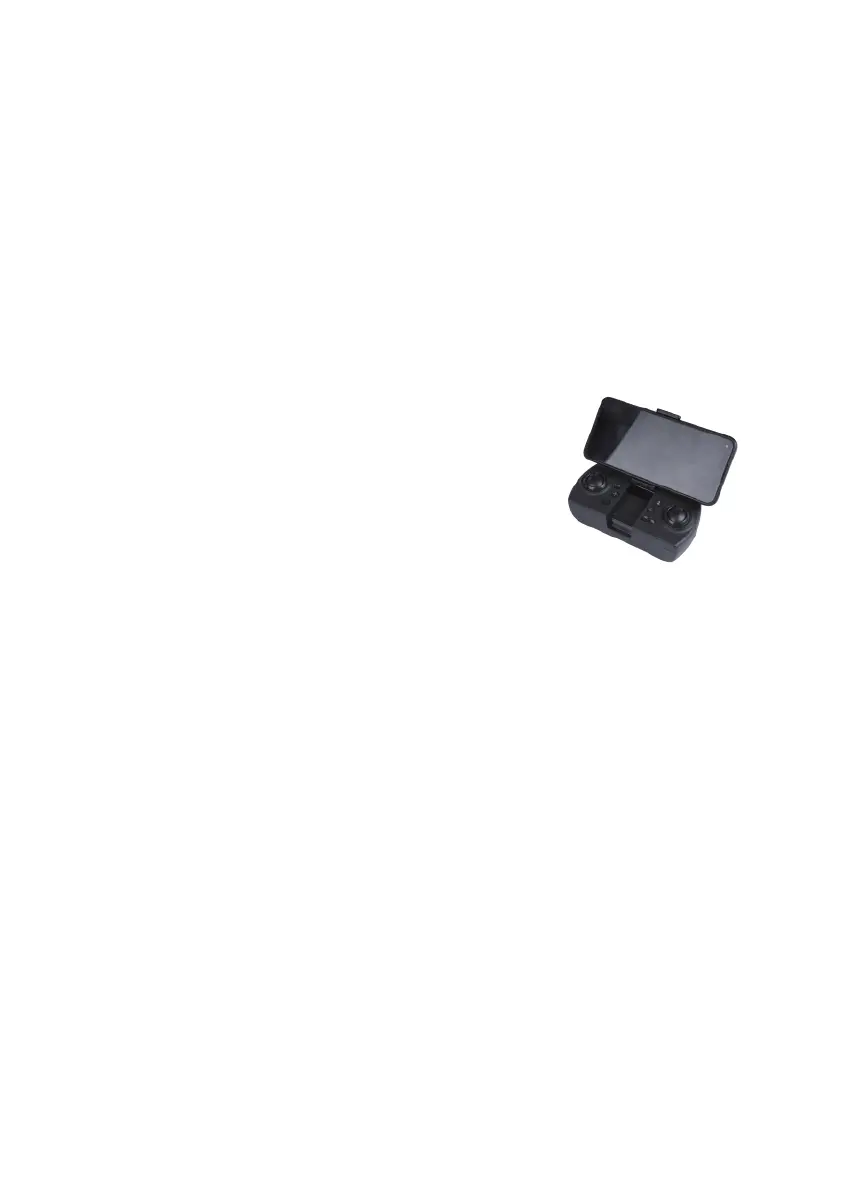
You can mount the smartphone on the remote and use the
smartphone screen for video display only.
Pull gently the mobile phone mount located under the remote
control and install your smartphone on it.
Make sure that your phone is securely fixed and won’t drop
when using the remote control.
Problem 1: The remote control does not work at all
Cause 1: The batteries are used
Solution: Remplace the batteries
Cause 2: The batteries are not well installed
Solution: Check polarity indications and insert the batteries in the
right direction
Cause 3: The ON/OFF switch is on OFF
Soltuion: Power ON the remote control
Problem 2: The controls do not work properly
Cause 1: The drone battery is not correctly installed
Solution: Verify the connection of the battery
Cause 2: The remote control and drone are not synchronized
Solution: Start again the synchronization procedure explained in this
manual
Cause 3: Bad weather conditions
Solution: Do not fly the drone in windy conditions or if it rains



 To Next Page